Getting Started
WARNING
See the Important Safety and Product Information guide in the product box for product warnings and other
important information.
• Update the maps and software on your device (Map and Software Updates, page27).
• Mount the device in your vehicle and connect it to power (Mounting Considerations, page1).
• Acquire GPS signals (Acquiring GPS Signals, page4).
• Adjust the volume (Adjusting the Volume, page4) and display brightness (Adjusting the Screen Brightness,
page5).
• Navigate to your destination (Starting a Route, page13).
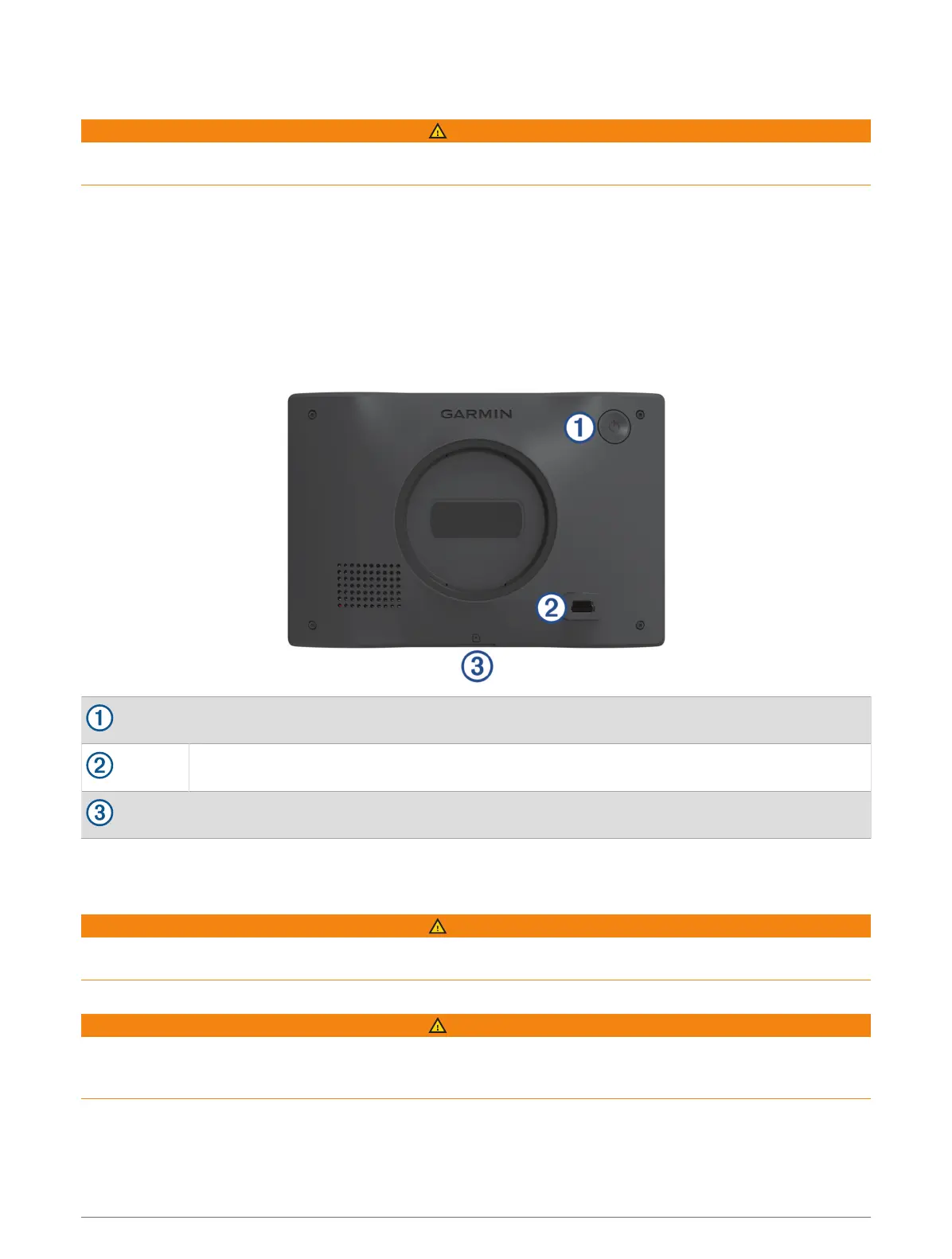
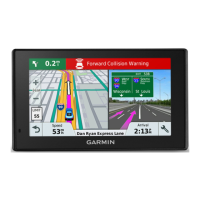
Garmin Drive 53 Device Overview
Power key
USB power and data port
Map and data memory card slot
Mounting Considerations
• Do not mount the device in a location that obscures the driver's view of the road.
WARNING
It is your responsibility to ensure the mounting location complies with all applicable laws and ordinances, and
does not block your view of the road during the safe operation of your vehicle.
• Choose a location that allows you to route the power cable safely.
WARNING
When installing the device in a vehicle, install the device and power cable securely so they do not interfere with
the vehicle operating controls. Interference with the vehicle operating controls can result in a collision, which
could result in injury or death.
• Choose a location that is within easy reach.
• Thoroughly clean the windshield before installing the mount.
Getting Started 1




 To Next Page