EasyManua.ls Logo

Garmin Edge 200 - Deleting Files; Alerts; Using Distance, Time, and Calorie Alerts

Garmin Edge 200
26 pages
Print Icon
To Next Page IconTo Next Page
To Previous Page IconTo Previous Page
Loading...
3.
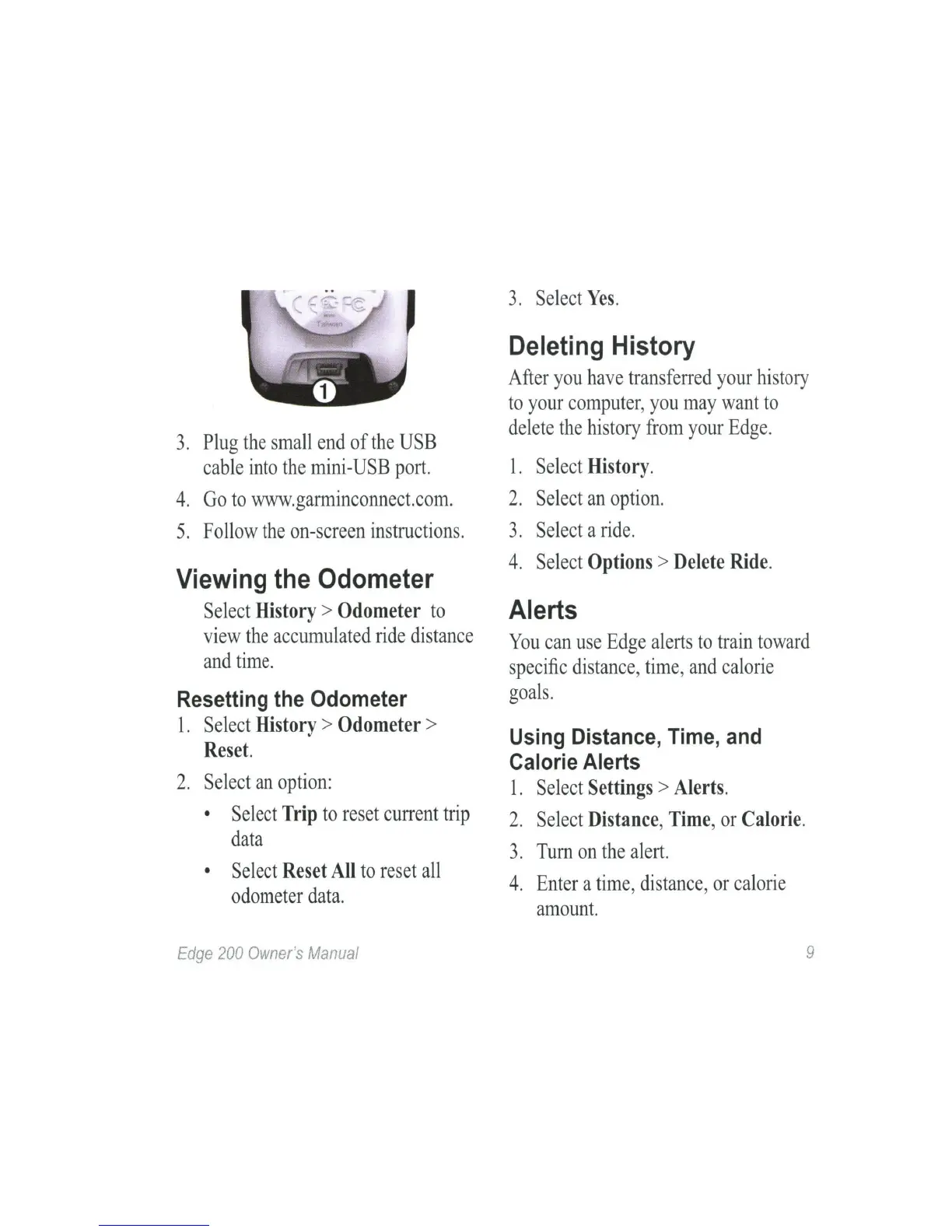
Plug
the
small
end
of
the
USB
cable
into
the
mini-USB
port.
4.
Go
to
www.garminconnect.com.
5.
Follow
the
on-screen
instructions.
Viewing the Odometer
Select
History
>
Odometer
to
view
the
accumulated
ride
distance
and
time.
Resetting the Odometer
1.
Select
History
>
Odometer
>
Reset.
2.
Select
an
option:
•
Select
Trip
to
reset
current
trip
data
•
Select
Reset
All
to
reset
all
odometer
data.
Edge
200
Owner
's
Manual
3.
Select
Yes.
Deleting History
After
you
have
transferred
your
history
to
your
computer
,
you
may
want
to
delete
the
history
from
your
Edge
.
1.
Select
History.
2.
Select
an
option.
3.
Select
a
ride
.
4.
Select
Options
>
Delete
Ride.
Alerts
You
can
use
Edge
alerts
to
train
toward
specific
distance,
time,
and
calorie
goals.
Using Distance, Time, and
Calorie Alerts
1.
Select
Settings
>
Alerts.
2.
Select
Distance,
Time,
or
Calorie.
3.
Turn
on
the
alert.
4.
Enter
a
time,
distance
,
or
calorie
amount.
9