EasyManua.ls Logo

Garmin EDGE 520 PLUS - Page 34

Garmin EDGE 520 PLUS
57 pages
Print Icon
To Next Page IconTo Next Page
To Previous Page IconTo Previous Page
Loading...
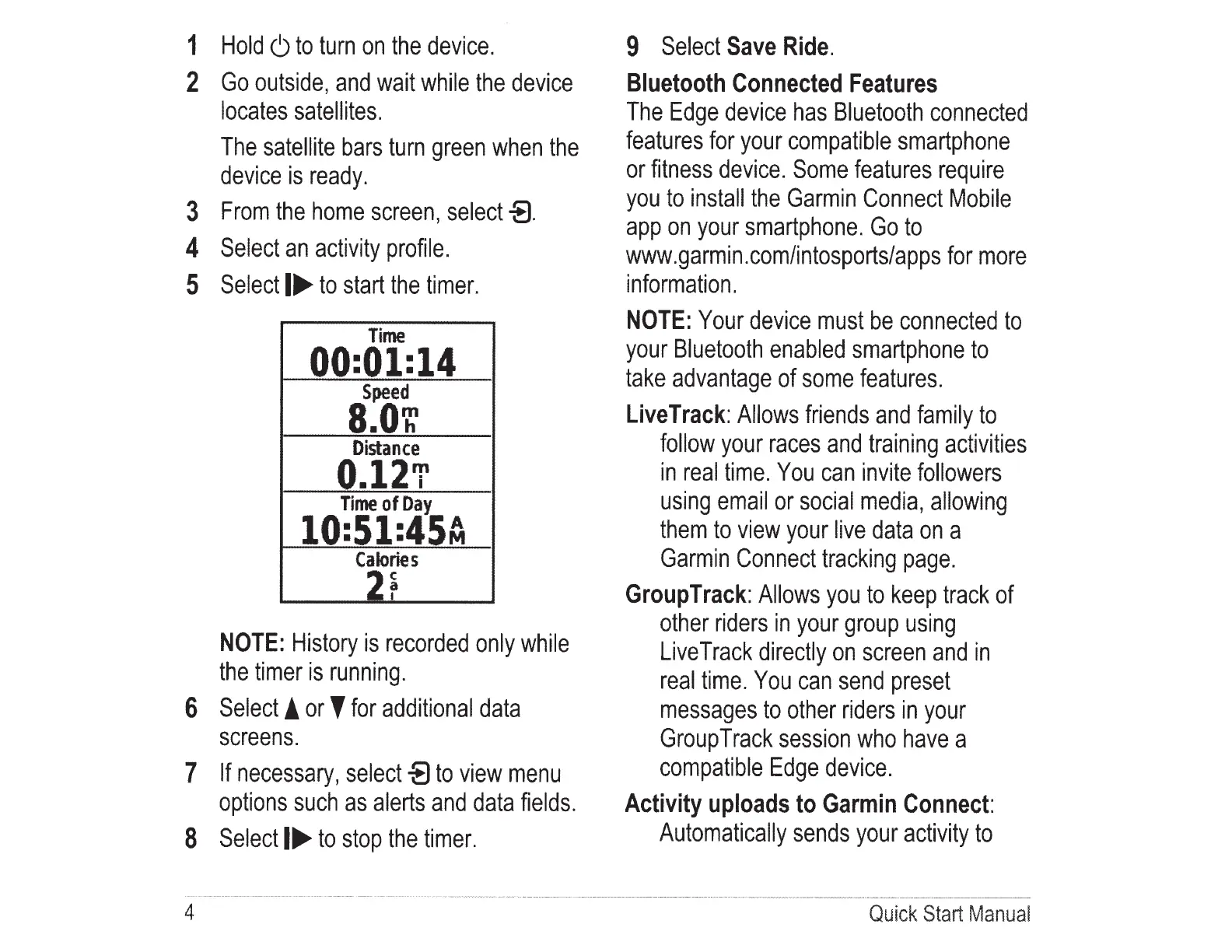
1
Hold
6
to
turn
on
the
device.
2
Go
outside,
and
wait
while
the
device
locates
satellites.
The
satellite
bars
turn
green
when
the
device
is
ready.
3
From
the
home
screen,
select
-8.
4
Select
an
activity
profile.
5
Select
I~
to
start
the
timer.
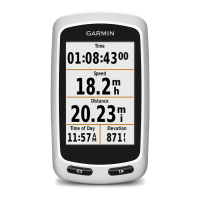
Time
00:01:14
Speed
8.01:
Distance
0.12'1'
Time
of
Day
10:51:45~
Calories
2r
NOTE:
History
is
recorded
only
while
the
timer
is
running.
6
Select!
or'
for
additional
data
screens.
7
If
necessary,
select
-8
to
view
menu
options
such
as
alerts
and
data
fields.
8
Select
I~
to
stop
the
timer.
4
9
Select
Save
Ride.
Bluetooth
Connected
Features
The
Edge
device
has
Bluetooth
connected
features
for
your
compatible
smartphone
or
fitness
device.
Some
features
require
you
to
install
the
Garmin
Connect
Mobile
app
on
your
smartphone.
Go
to
www.garmin.com/intosports/apps
for
more
i
nformation.
NOTE:
Your
device
must
be
connected
to
your
Bluetooth
enabled
smartphone
to
take
advantage
of
some
features.
Live
Track:
Allows
friends
and
family
to
follow
your
races
and
training
activities
in
real
time.
You
can
invite
followers
using
email
or
social
media,
allowing
them
to
view
your
live
data
on
a
Garmin
Connect
tracking
page.
Group
Track:
Allows
you
to
keep
track
of
other
riders
in
your
group
using
Live
Track
directly
on
screen
and
in
real
time.
You
can
send
preset
messages
to
other
riders
in
your
Group
Track
session
who
have
a
compatible
Edge
device.
Activity
uploads
to
Garmin
Connect:
Automatically
sends
your
activity
to
Qui
ck
Start
Manual

Table of Contents