EasyManua.ls Logo

Garmin eTrex 20 - User Manual

Garmin eTrex 20
168 pages
Print Icon
To Next Page IconTo Next Page
Loading...
eTrex
®
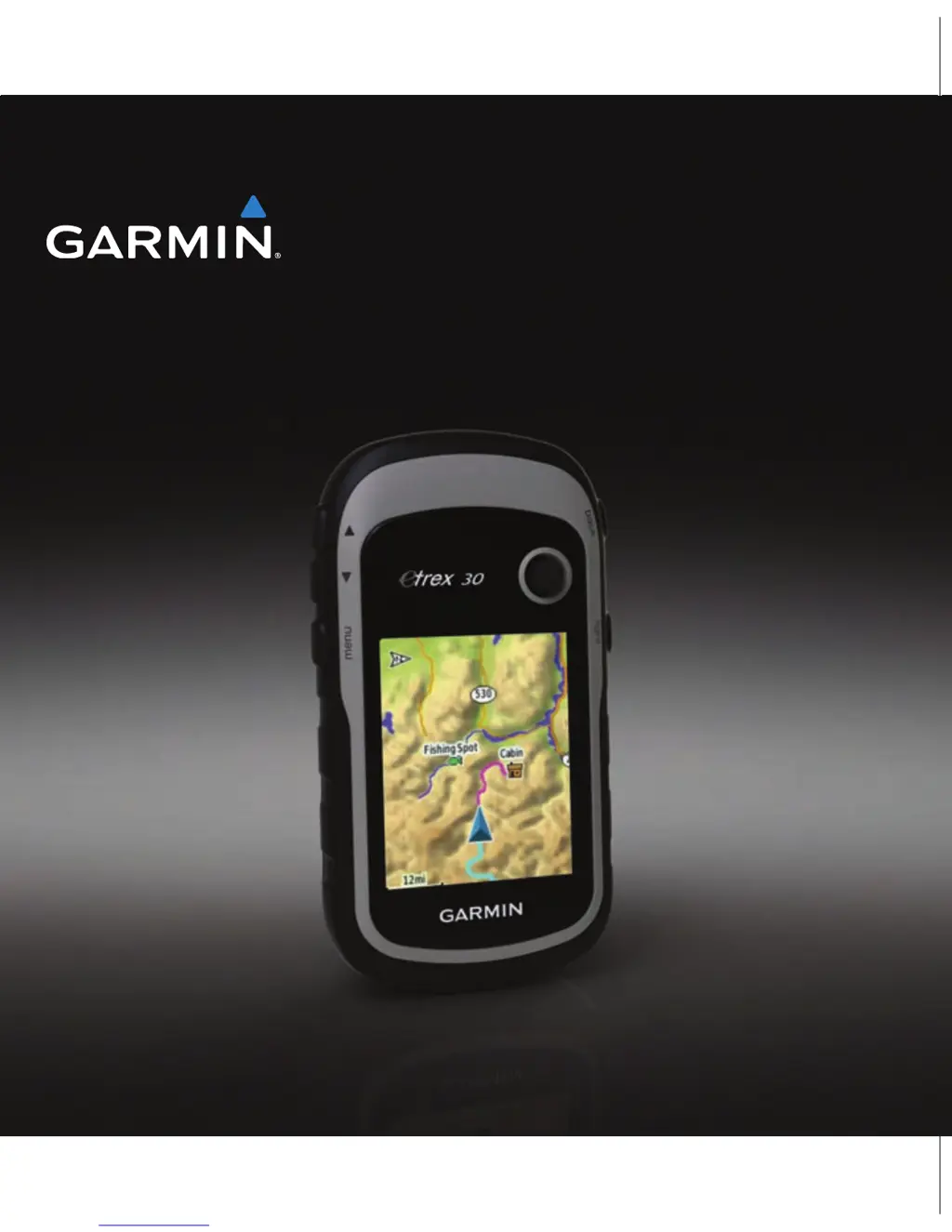
owners manual
for use with models 10, 20, 30

Table of Contents

Other manuals for Garmin eTrex 20

Questions and Answers

  • D
    Derek Martinez PhDJul 28, 2025
    How to reset a Garmin GPS device that is not responding?
    • D
      Daniel SullivanJul 28, 2025
      If your Garmin GPS device is not responding, you can try resetting it by removing and reinstalling the batteries. Note that this will not erase any of your data or settings.
  • E
    Evelyn WadeAug 4, 2025
    How to reset Garmin eTrex 20 to factory settings?
    • L
      Louis ChambersAug 5, 2025
      To reset all customized settings on your Garmin GPS back to the factory defaults, select Setup > Reset > Reset All Settings on the device.
  • L
    Lisa HunterAug 12, 2025
    What to do if my Garmin eTrex 20 GPS does not acquire satellite signals?
    • C
      Crystal BaileyAug 12, 2025
      If your Garmin GPS device isn't acquiring satellite signals, try the following: 1. Move away from buildings, parking garages, tall buildings, and trees. 2. Turn on the device. 3. Remain stationary for several minutes.
  • T
    Terry LewisAug 20, 2025
    How do I know if my Garmin eTrex 20 GPS is in USB mass storage mode?
    • C
      Connor AlvarezAug 20, 2025
      To determine if your Garmin GPS device is in USB mass storage mode, look for an image of the device connected to a computer on the device's screen. On a Windows computer, a new removable disk drive should appear in My Computer. On a Mac computer, you should see a mounted volume.

Summary

Getting Started

Device Overview

Overview of device features and controls.

Using the eTrex Keys

Explanation of how to use the device's buttons.

Battery Information

Details on battery types, installation, and usage.

Turning the Device On or Off

Instructions for powering the device on and off.

Satellite Signals

Information about acquiring satellite signals for GPS.

Registering Your Device

Steps to register the device with the manufacturer.

Waypoints, Routes, and Tracks

Waypoints

Information about recording and storing locations.

Using Sight N Go

Navigating to a location by pointing the device.

Where To? Menu

How to find destinations using the menu.

Routes

Creating and managing sequences of waypoints for navigation.

Tracks

Recording and managing paths traveled.

Navigation

Navigating to a Destination

Step-by-step guide to navigating to a chosen destination.

Map

Understanding the map display and its elements.

Compass

Information about the electronic compass and its use.

Calibrating the Compass

Procedures to ensure compass accuracy.

Calibrating the Barometric Altimeter

Manually adjusting the altimeter for accurate readings.

Geocaches

Downloading Geocaches

Steps to download geocache data from a website.

Filtering the Geocache List

Narrowing down geocaches based on criteria.

Navigating to a Geocache

Steps to find and navigate to a geocache location.

Logging the Attempt

Recording the result of a geocache hunt.

Applications

Sharing Data

Wireless data transfer between devices.

Setting a Proximity Alarm

Creating alarms for approaching specific locations.

Satellite Page

Displays current satellite status and signal strength.

Customizing Your Device

Customizing the Main Menu

Rearranging items in the main menu.

Profiles

Collections of settings optimized for different activities.

System Settings

Configuring core device functions like GPS and language.

Map Settings

Configuring how map data is displayed and oriented.

Resetting Data

Resetting trip data, waypoints, tracks, or default values.

Device Information

Adjusting the Screen

Adjusting screen brightness and contrast.

Updating the Software

Instructions for updating the device's firmware.

Specifications

Technical specifications of the device.

Caring for the Device

Instructions for cleaning and maintaining the device.

Installing a microSD Card

Steps to install a microSD card for storage.

Appendix

Optional Accessories

Information on available accessories for the device.

Data Field Options

Descriptions of available data fields for customization.

Troubleshooting

Garmin eTrex 20 Specifications

General IconGeneral
Outdoor (hiking, trekking)Yes
Marine (chartplotters, sounders)No
Routes quantity200
Number of waypoints2000
Form factorHandheld
Display diagonal2.2 \
Display resolution176 x 220 pixels
Display number of colors65536 colors
Display size (HxV) (imperial)1.7 x 1.4 \
Internal memory1740 MB
USB 2.0 ports quantity1
Battery typeAA
Battery life (max)25 h
Battery technologyNickel-Metal Hydride (NiMH)
Number of batteries supported2
Weight and Dimensions IconWeight and Dimensions
Depth33 mm
Width54 mm
Height103 mm
Weight141.7 g

Related product manuals