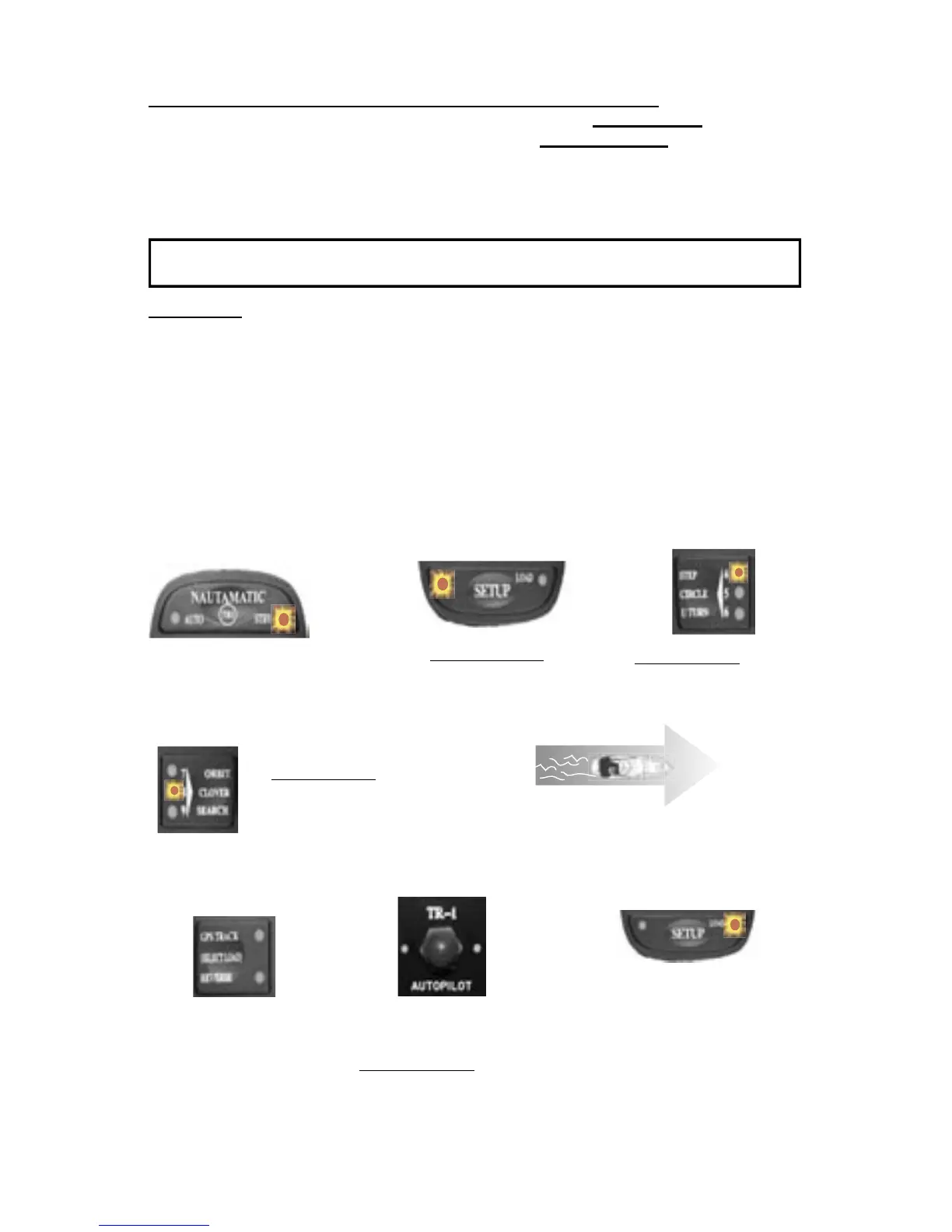
14. Set North. This needs to be done if any GPS or radar overlay functions are going to be used.
To run a GPS course requires that the autopilot compass is in agreement with the GPS’s magnetic map. You
need to set North with the pilot in standby mode. Setting North may require a signi cant amount of clear sea
space in front of your boat (at least 1/2 to 3/4 of a mile).
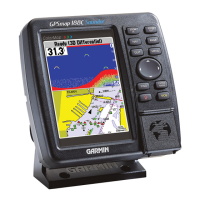
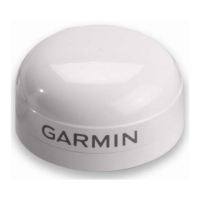
Verify that the NMEA connections for the GPS are functioning. Turn on the GPS. With the Autopilot in [Standby],
press and release [Setup] button on the handheld. Press and light up the number 4 and the number 8 LED’s [Code
48]. If the [up arrow] LED lights when you hold down the [Select Load] (GPS) button, the autopilot does not
acknowledge the validity of the GPS data.
1. With the system in [STBY]
5. Run your boat at planing speed at a con-
stant heading. You will need at least 1/2 mile
of hazard free water in front of you.
3. Press and release [left
chevron] button one time
to illuminate the #4 LED.
6. Press and HOLD
the GPS [Select Load]
button. The Load LED
will illuminate on the
[Setup] Button
7. While holding down
the [Select Load] button.
Press and Release the
[Deckmount] button quickly.
8. Release the [Select Load]
button, after [Load] LED
diminishes. The system will
power down after North is set.
2. Press and release [Setup]
button once to illuminate
(left) LED
4. Press and release the
[Right Chevron] button
TWO times to illuminate
the #8 LED.
(You have
now selected
code 48)
With The GPS Connected to Autopilot:
Set North
13. If the tune was good or suspect download to permanent memory the parameters
you have adjusted so far (autotune). With the [Setup] LED lit, press and hold the GPS
[Select Load] button-the load LED should illuminate, press and release the [Deckmount]
button, then release the GPS [Select load] button.
Note: Press and release the [Setup] button to exit setup mode.


 To Next Page