NRI Grazing Land On-Site Data Collection
(03/23/20011) B-17
Warning – excessive backlight will rapidly drain batteries!
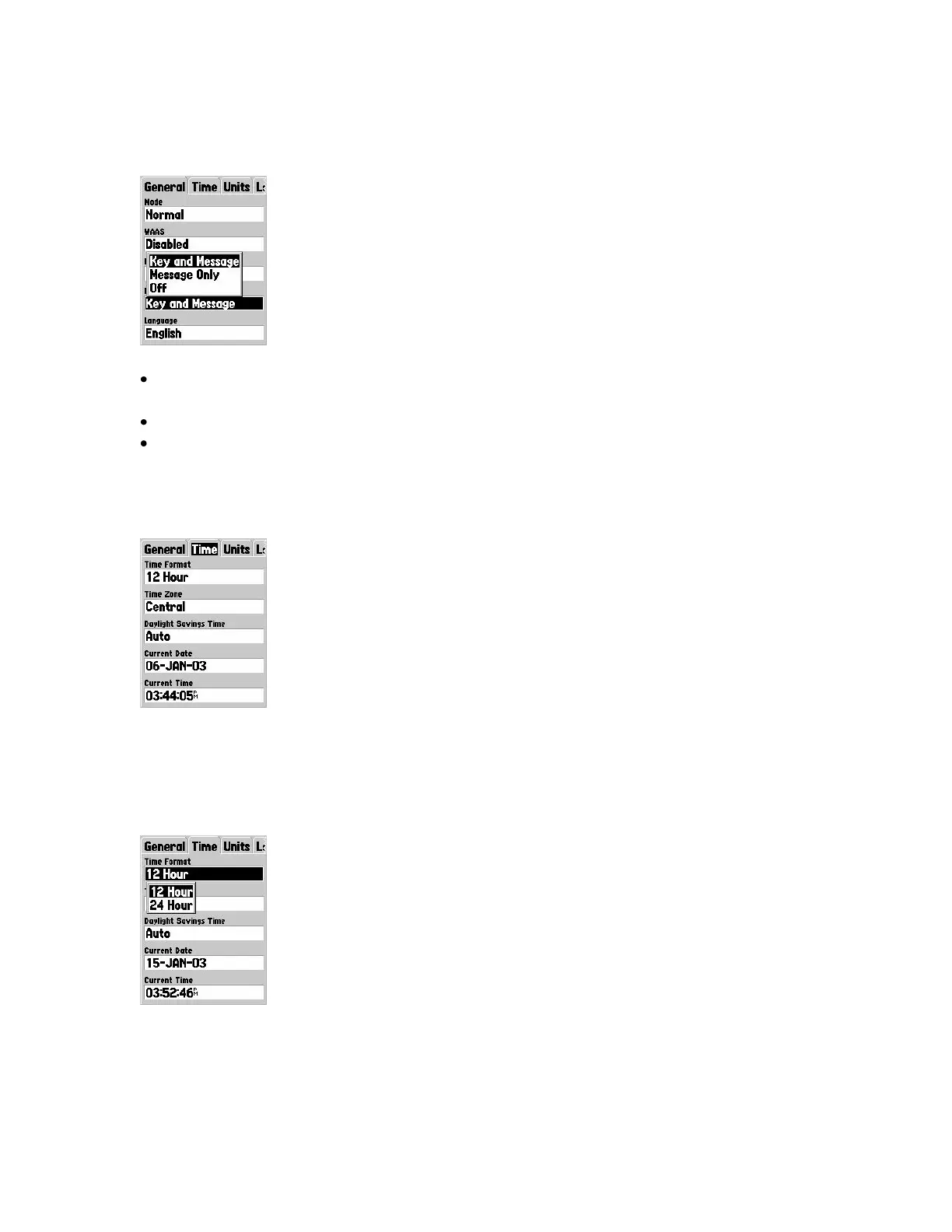
Beeper field
Provides audible (and annoying) beeping sound when keys are pressed and messages
pop up.
Use the ROCKER key to select choice, then Press ENTER key to lock in the choice.
Although annoying beginners will find it‟s easier to know and see what‟s going on
with the receiver if the beeper is left fully on.
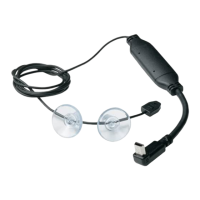
Time Tab Options
The „Time‟ tab has options for setting Time Format, Time Zone, Daylight Savings Time,
Current Date, and Current Time. Use the ROCKER key to moved to an option field, then
press the ENTER key to access the options for that field.
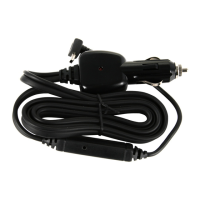
Time Format field
Set the Map76 to display time in 12 hour or 24 hour (military) format.


 To Next Page