NRI Grazing Land On-Site Data Collection
(03/23/20011) B-18
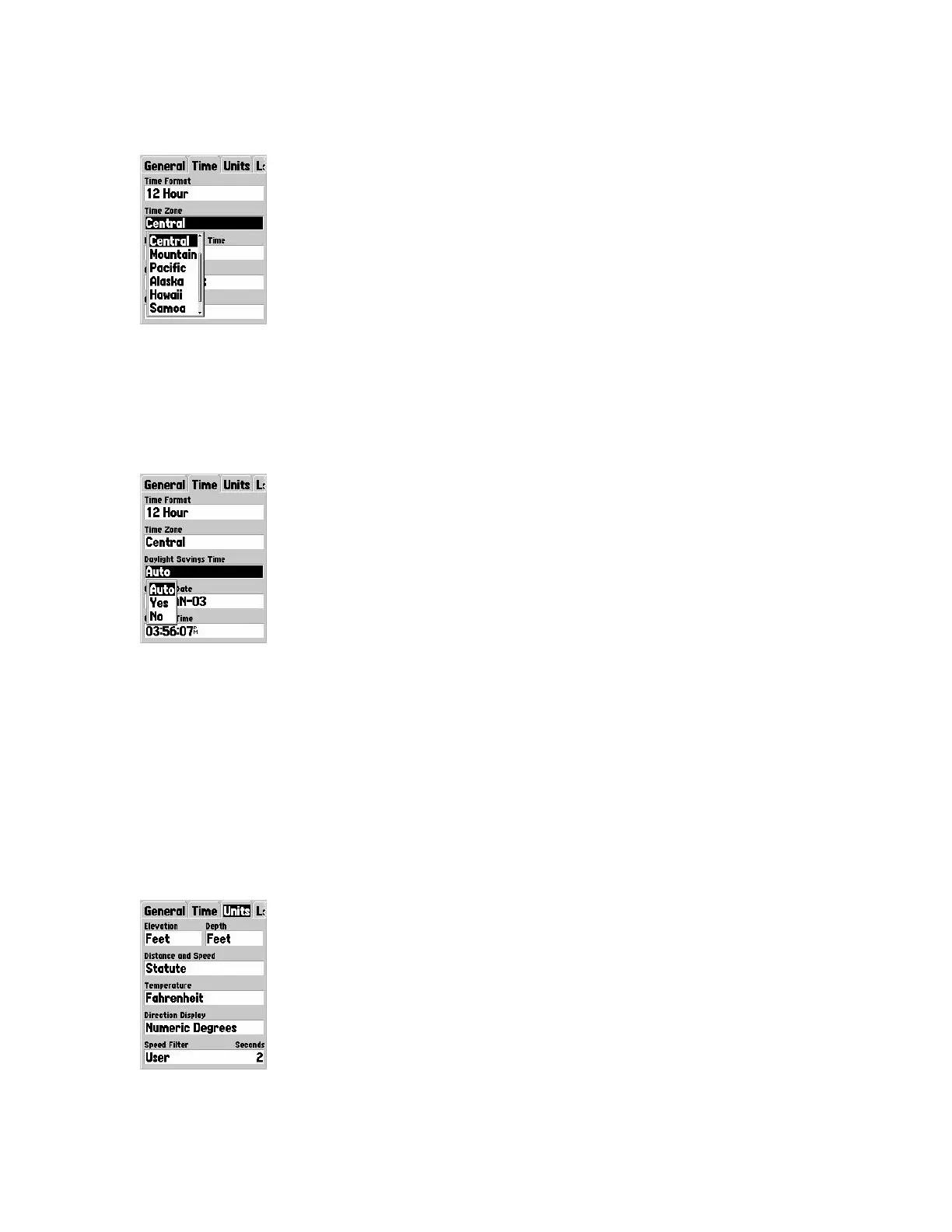
Time Zone field
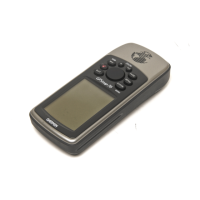
Use the ROCKER key to scroll through a choice list of time zones. Select “Other” then
choose a UTC (Universal Time Coordinated, or Greenwich Mean Time (GMT)) offset.
You will have to reset the time zone when you operate the Map 76 in a different time
zone.
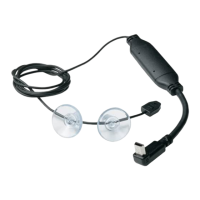
Daylight Savings Time field
Use the ROCKER key to scroll through a choice of Auto, Yes, or No. Auto uses the GPS
calendar to determine DST for a given location in the U.S.
If “Yes” is chosen then DST is displayed for the location. If “No” is chosen then DST is
not displayed. If Time Zone “Other” is chosen then DST will not be displayed at all.
Current Date field
Determined from the GPS signal from space and is not accessible by users.
Current Time field
Determined from the GPS signal from space and is not accessible by users.
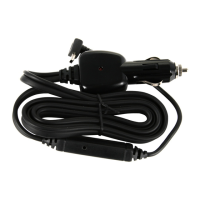
Units Tab Options


 To Next Page