EasyManua.ls Logo

Garmin HUD - Page 3

Garmin HUD
14 pages
Print Icon
To Next Page IconTo Next Page
To Previous Page IconTo Previous Page
Loading...
5
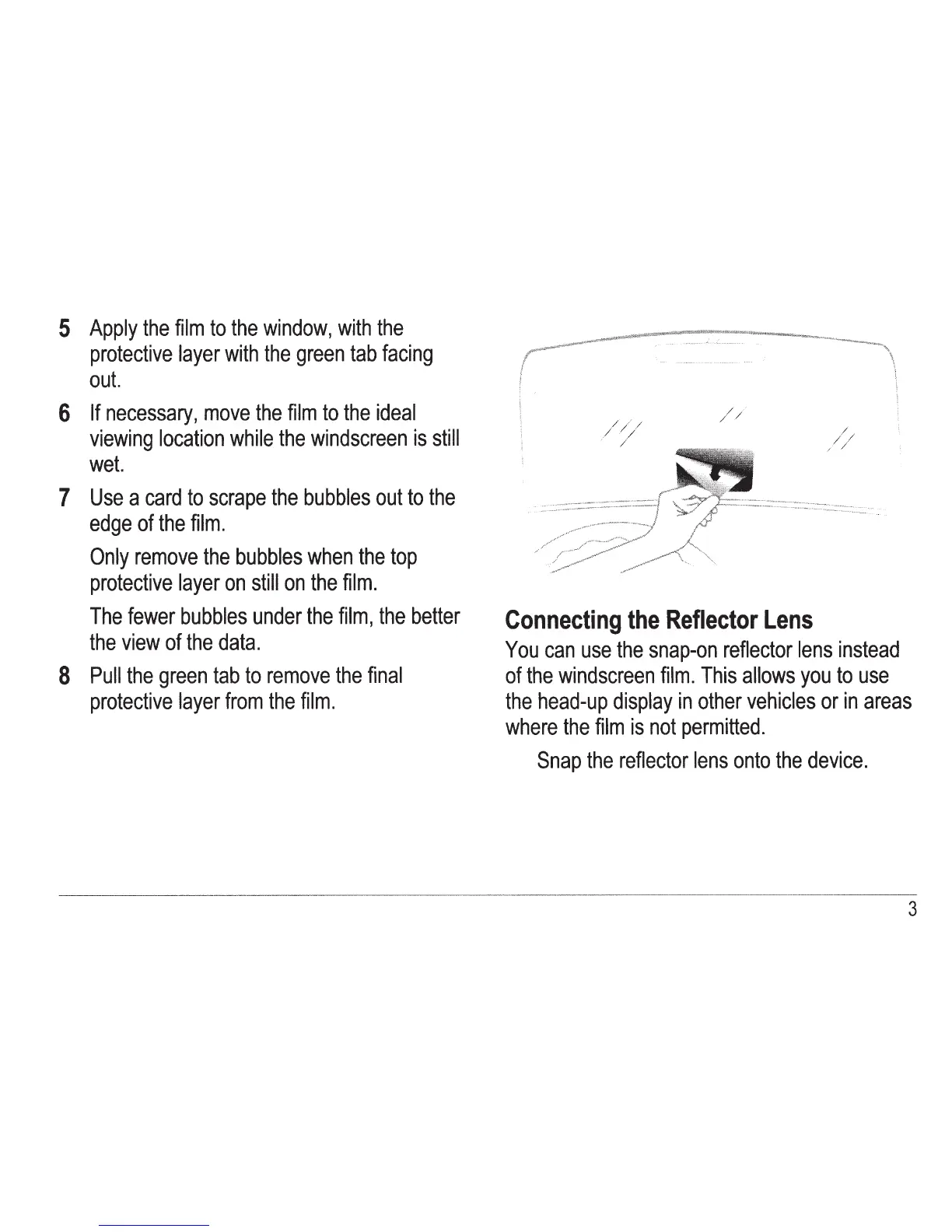
Apply
the
film
to
the
window,
with
the
protective
layer
with
the
green
tab
facing
out.
6
If
necessary,
move
the
film
to
the
ideal
viewing
location
while
the
windscreen
is
still
wet.
7
Use
a
card
to
scrape
the
bubbles
out
to
the
edge
of
the
film.
Only
remove
the
bubbles
when
the
top
protective
layer
on
still
on
the
film.
The
fewer
bubbles
under
the
film,
the
better
the
view
of
the
data.
8
Pull
the
green
tab
to
remove
the
final
protective
layer
from
the
film.
/ / ' /
/ .. /
/
Connecting
the
Reflector
Lens
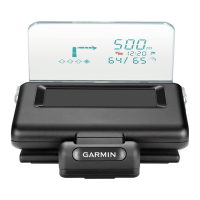
You
can
use
the
snap-on
reflector
lens
instead
of
the
windscreen
film.
This
allows
you
to
use
the
head-up
display
in
other
vehicles
or
in
areas
where
the
film
is
not
permitted.
Snap
the
reflector
lens
onto
the
device.
3

Other manuals for Garmin HUD

Related product manuals