2
E
N
Introduction
WARNING
Read all instructions carefully before
installing and using the Vector™ system.
Improper use could result in serious
injury.
See the
Important Safety and Product
Information
guide in the product box for
product warnings and other important
information.
NOTICE
Go to www.garmin.com/vectorowner
for the latest information including bike
compatibility, software updates, and video
tutorials.
Tools Included
• 15 mm crowfoot adapter for torque
wrench
• 2.5 mm hex key
Tools Needed
• 15 mm pedal wrench
• Bike grease
• 3 mm hex key
• 4 mm hex key
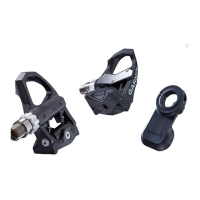
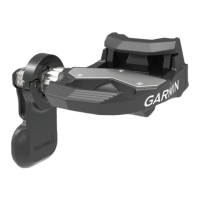
Installing Vector Components
Preparing for the Installation
1 Conrmthecompatibilityofyourbike
at www.garmin.com/vectorowner.
2 Find the sensor ID that is engraved
on the spindle, and write it down.









 To Next Page