8
E
N
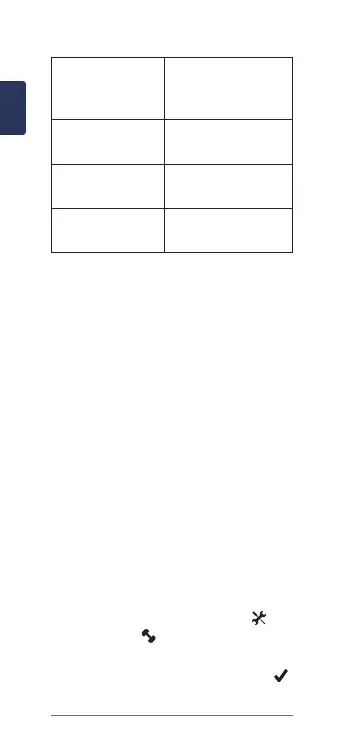
5ashesevery10
seconds.
The installation angle
is not set or cannot
be detected.
6ashesevery10
seconds.
There is a hardware
installation error.
7ashesevery10
seconds.
There is a software
update in progress.
1redashevery
10 seconds.
The pedal pod battery
is low.
Your First Ride
BeforeyouridewithVectorfortherst
time, you must enter the crank length and
set the installation angle of the sensors
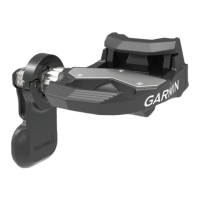
inside the pedals. The Vector system
automatically calibrates after each ride.
You must also enter the crank length
when you move Vector to another bike.
This procedure contains instructions
for the Edge 1000 device. If you have
another compatible device, see your
owner’s manual or go to www.garmin.
com/vectorowner.
Entering the Crank Length
The crank length is often printed on the
crank arm.
1 Rotate the pedals a few times in
order to activate Vector.
2 From the home screen, select >
Sensors > > Sensor Details >
Crank Length.
3 Enter the crank length, and select .









 To Next Page