9
E
N
Setting the Installation Angle
Before you set the installation angles,
youmustsettheEdgedataeldsto
display power and cadence.
1 Go for a short ride on a trainer or on
the road.
2 Ride until the cadence is nearly 70
rpm.
3 Accelerate smoothly to approximately
90 rpm.
When the installation angles are
successfully set, a message appears
anddataeldsdisplaypowerdataon
the Edge device.
Troubleshooting
Getting the Owner’s Manual
You can get the most recent owner’s
manual from the web.
1 Go to www.garmin.com/vectorowner.
2 View or download the full owner’s
manual in your preferred format.
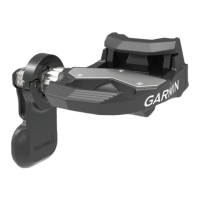
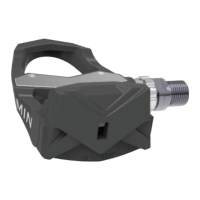
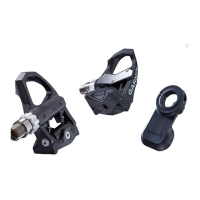
Vector Storage
If you are transporting your bicycle or
not using Vector for an extended period
of time, Garmin recommends removing
Vector and storing it in the product box.









 To Next Page