Track History You can transfer Track History points from your GPS
receiver to your personal computer for archiving,
processing, or editing. As long as you have the Track
History stored on your hard drive, you can always reload
them at a different time into your Apollo GPS.
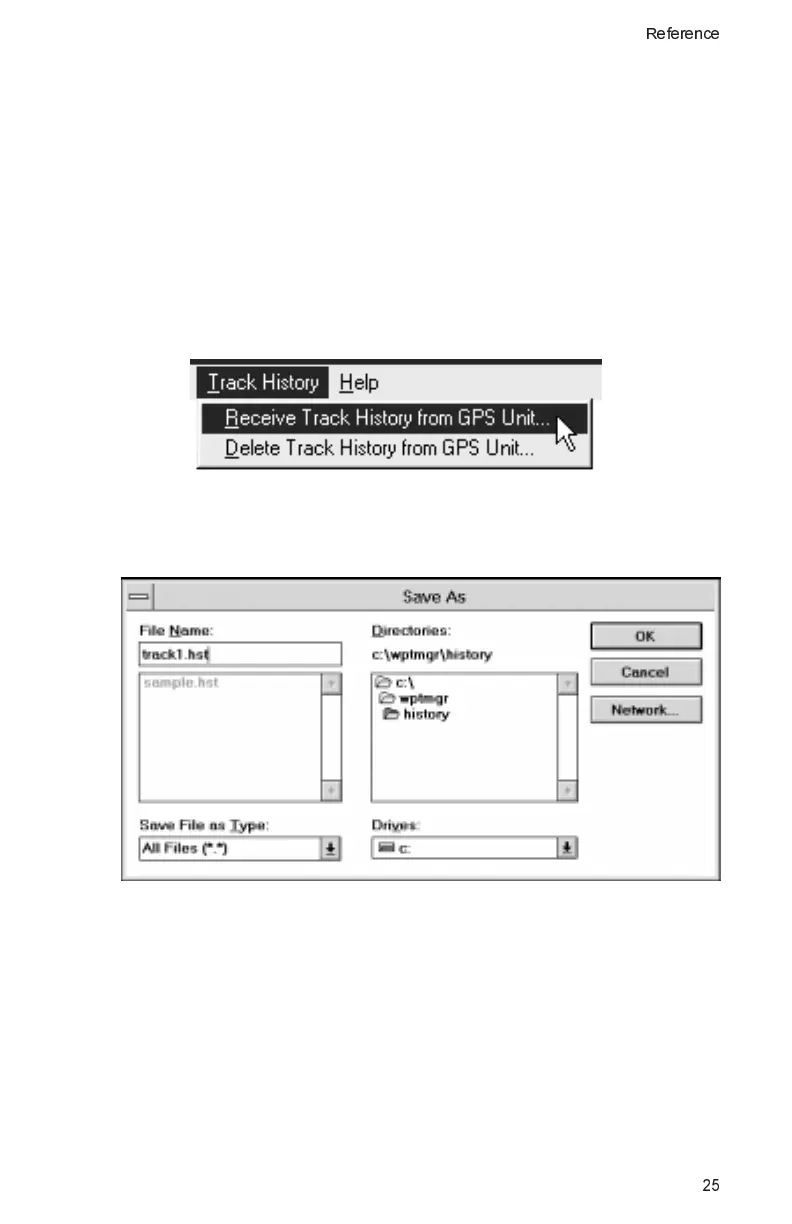
Receive Track History from GPS Unit
Use this function to transfer the Track History from your
Apollo GPS to your computer.
1. Choose the Track History menu and then select the
“Receive Track History from GPS Unit” function.
2. Type the name for the Track History file you want to save
on your computer. Then, click on OK.
25
Reference



 To Next Page