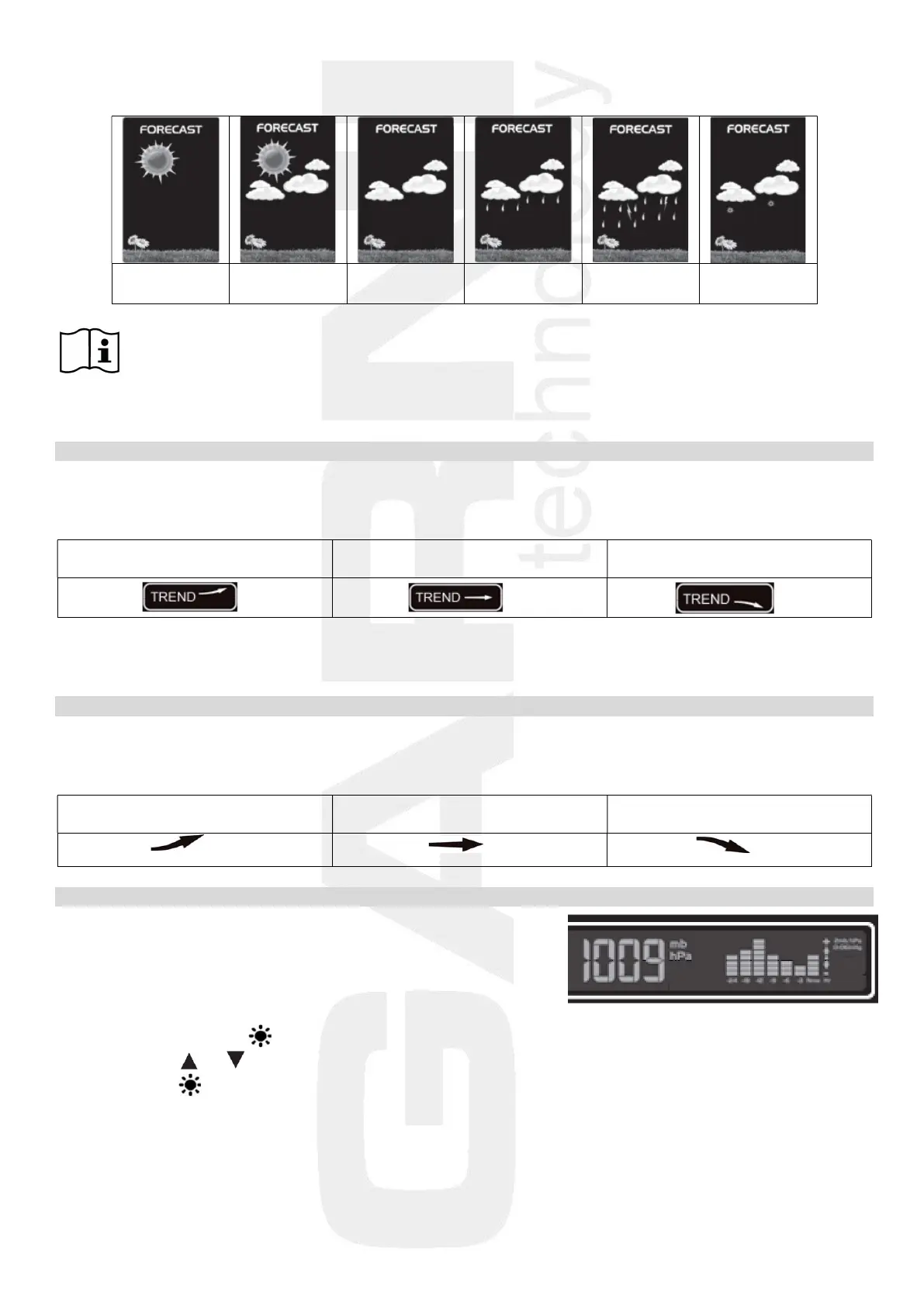
The weather forecast uses six icons – sunny, somewhat cloudy, cloudy, precipitation, heavy rain and snow.
Sunny Somewhat
cloudy
Cloudy Precipitation Heavy rain Snow
Note: the snow icon replaces the precipitation or heavy rain icons if the outdoor temperature from
the channel 1 sensor is below -4°C. If the channel 1 is not used, it is the temperature from
channel 2 sensor, if channel 2 is not used, then it is the temperature from the channel 3
sensor
Weather trend arrows
The weather station updates the weather trend arrows and reflects changes that have taken place over the
last 3 hours of measurement.
Barometric pressure increased in
Barometric pressure unchanged in
Barometric pressure decreased in
E.g.: the weather forecast indicates rain, the barometric pressure drops abruptly and quickly , therefore
the probability of heavy rain is higher.
Arrows of temperature / relative humidity trends
The main unit displays the trend icons of the measured quantities based on the temperature and relative
humidity readings.
Temperature / relative humidity
Temperature / relative humidity
Temperature / relative humidity
Absolute barometric pressure
The reading of the absolute barometric pressure is displayed
using the selected units on the right side of the display of the main
unit. The chart shows the trend over the last 24 hours.
To change the barometric pressure units:
1) Press and hold button until the barometric pressure units flash.
2) Press button or to select the required unit (mb, hPa or InHg).
3) Press button to confirm the setting.


 To Next Page