EasyManua.ls Logo

GARNI 940 - User Manual

GARNI 940
33 pages
Print Icon
To Next Page IconTo Next Page
Loading...
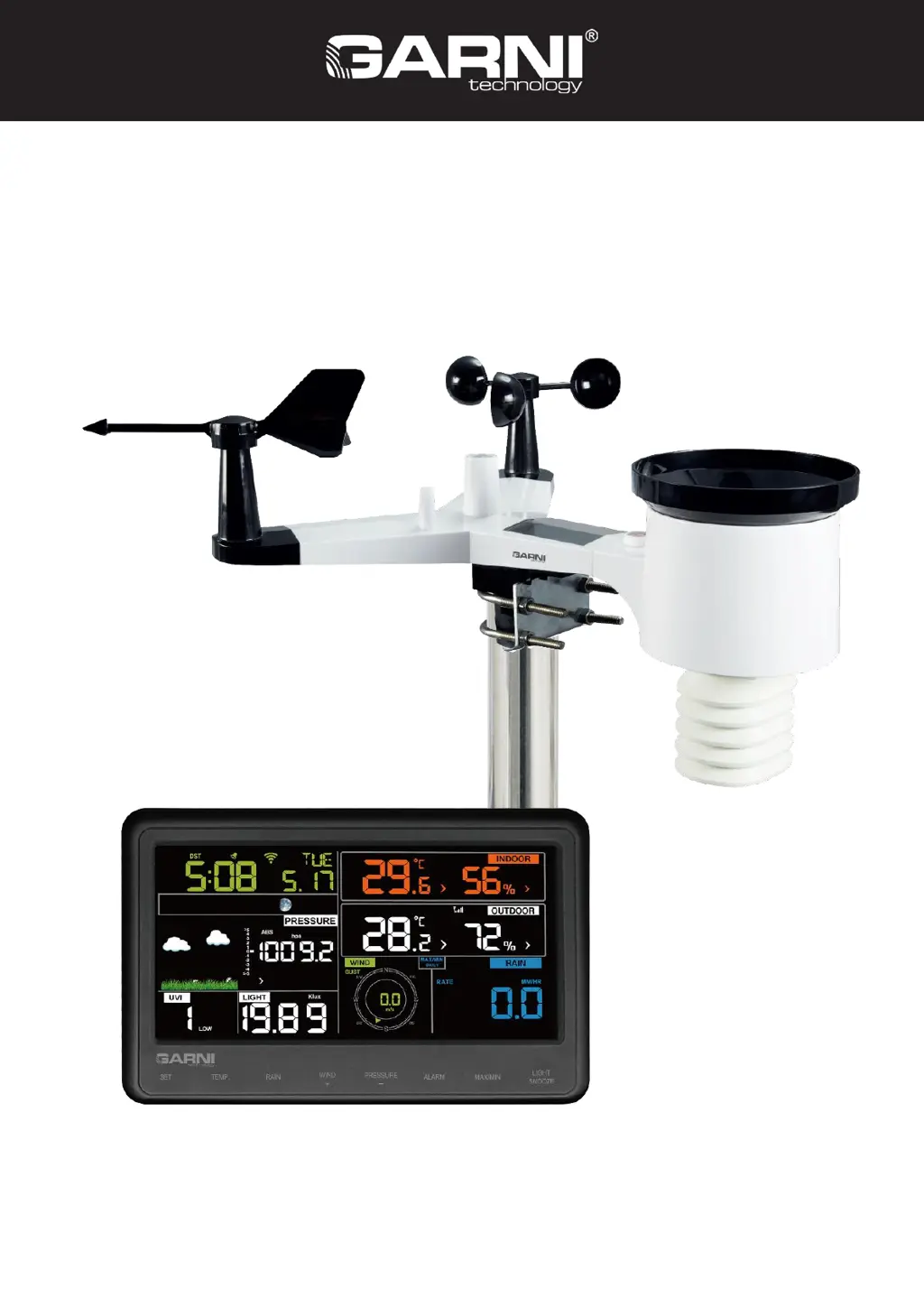
INSTRUCTION MANUAL FOR Wi-Fi WEATHER
STATION MODEL GARNI 940
EN
GARNI 940

Questions and Answers

Summary

Introduction and Initial Setup

Introduction and Before Installation

Overview of features and recommendation for temporary testing.

Commissioning the Wireless Sensor

Installing and setting up the integrated wireless sensor.

Sensor Installation Details

Mounting and Component Installation

How to install U-bolts, weather vane, propeller, and batteries.

Sensor Placement and Reset

Optimal outdoor placement, reset button, and LED indicator guide.

Main Unit Operation and Configuration

Main Unit Setup and Display

Connecting power, initial pairing, and understanding the LCD display.

Main Unit Buttons and Settings

Button functions, setting mode navigation, and basic configurations.

Advanced Settings and Data Monitoring

Time, Pressure, and Unit Settings

Setting time, date, pressure units, solar radiation, and temperature/wind/rain units.

Alarm Settings and Max;Min Values

Configuring alarms, displaying set values, and viewing max/min measurements.

Calibration and Other Functions

Sensor Calibration Mode

Entering and performing sensor calibration for accurate readings.

Other Features

Factory reset, backlight, trend indicators, signal strength, weather forecast.

Wi-Fi Connectivity and Data Upload

Wi-Fi Setup and Servers

Connecting to Wi-Fi and supported online services.

Connecting to Online Services

Step-by-step guides for Android/iOS Wi-Fi connection and server registration.

Online Data Access and App Usage

Viewing Data Online

Accessing data via websites (WU, Weathercloud) and WS View app.

WS View App Management

Using the app for device management, unit settings, and data display.

Maintenance and Troubleshooting

GARNI App and Maintenance

Information about the app and routine cleaning/battery replacement.

Troubleshooting Common Issues

Solutions for common problems like communication, data, and Wi-Fi connection.

Safety and Technical Specifications

Safety Precautions

Warnings and guidelines for the safe use and handling of the device.

Technical Specifications

Detailed specifications for the main unit, sensor, and components.

GARNI 940 Specifications

General IconGeneral
BrandGARNI
Model940
CategoryWeather Station
LanguageEnglish

Related product manuals