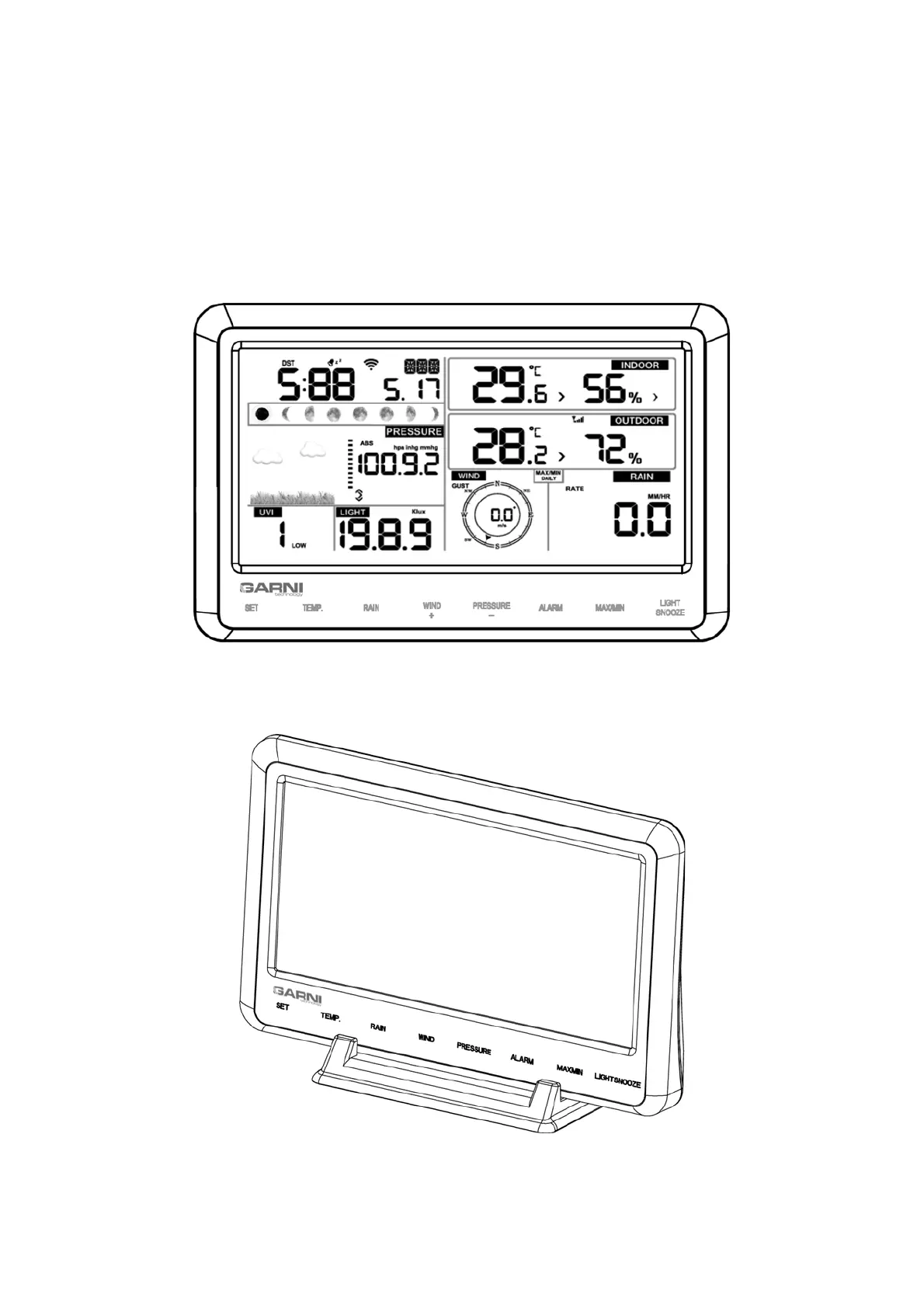
1) Connect the power source plug to the rear of the main unit
2) Insert 3 AAA-type batteries
3) Keep the main unit and the wireless sensor close for 15 minutes
4) To verify functionality, simulate the wind by turning the anemometer propeller. Pour a few
drops of water into the rain gauge tank to simulate rain
5) Proceed by placing the wireless sensor after 15 minutes
Note: Place the wireless sensor within 1.5 to 3 metres of the main unit and wait a few minutes to
establish the connection. If the main unit is powered only by batteries, press the LIGHT/SNOOZE
button to illuminate the LCD
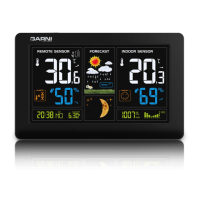
In addition to the folding stand on the back of the main unit, the delivery also includes a vertical
table stand where the main unit can be slid into for better viewing angles when placed on the table.


 To Next Page