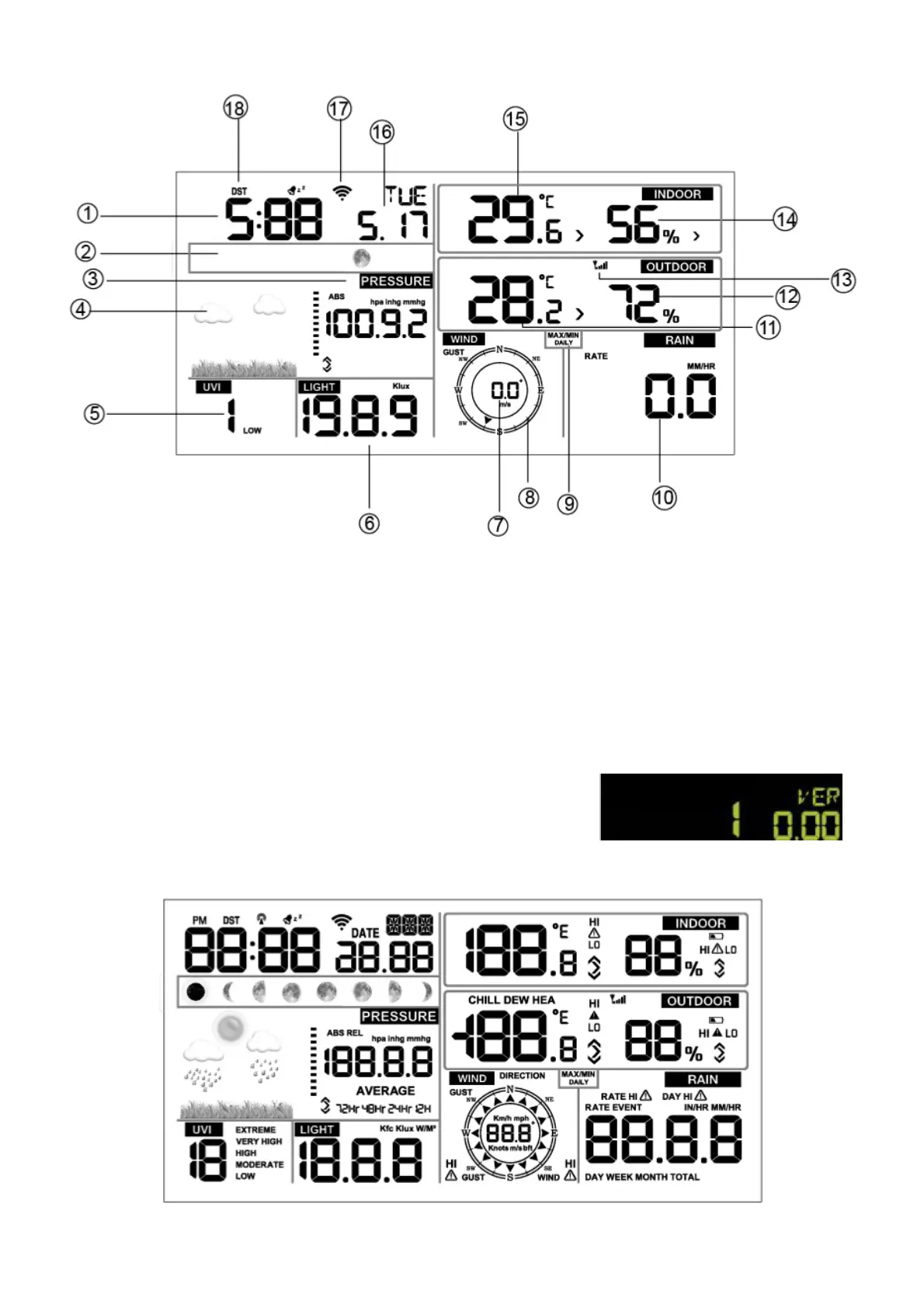
Description of LCD
1) Time
2) Moon phase
3) Barometric pressure
4) Weather forecast icons
5) UV index
6) Solar radiation level
7) Wind speed
8) Wind direction
9) Max and min measured values
10) Total precipitation display
11) Outdoor temperature
12) Outdoor humidity
13) Wireless sensor signal reception icon
14) Indoor humidity
15) Indoor temperature
16) Date
17) Wi-Fi connection icon
18) DST icon
Starting of the main unit
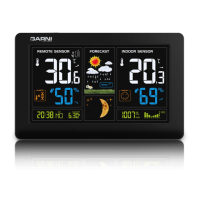
Connect the main unit to the power adaptor. The display will
show the software version number for 2 seconds.
All LCD segments will activate for 3 seconds. The main unit will commence searching for the
wireless sensor for 3 minutes.


 To Next Page