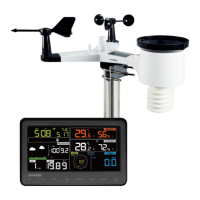
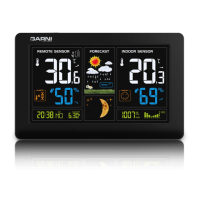
Other functions
Restoring factory settings / Erasing all data
Disconnect the power adaptor from the main unit and remove the batteries. Reconnect the adaptor
to the main unit, the display will show the firmware version number and immediately after that all
the display segments will be turned on for about 3 seconds. During that time, press and hold the
Wind + and Pressure – buttons simultaneously for about 5 seconds and release. The main unit will
restore the factory settings. Return the batteries to the main unit.
Press and hold the LIGHT / SNOOZE button for 5 seconds to pair with the integrated wireless
sensor.
LCD backlight
For permanent LCD backlight, connect the power adaptor to the main unit. Use the LIGHT /
SNOOZE button to set the required backlight intensity in the following order: high intensity /
medium intensity / off.
For backlighting the main unit display when operating from batteries only, press and hold the
LIGHT / SNOOZE button until the LCD backlight turns on.
Trend indicators
The trend indicator of temperature, humidity and barometric pressure shows the development
based on measured values over the last 3 hours at regular half-hour intervals. For example: the
values measured at 15:00 will be compared to values measured at 12:00; values measured at
15:30 will be compared to values measured at 12:30, etc.
Increases by
more than 3%
Increases by
more than 1 °C
Increases by
more than 1hpa
Unchanged by
more than 3%
Unchanged by
more than 1 °C
Unchanged by
more than 1hpa
Decreases by
more than 3%
Decreases by
more than 1 °C
Decreases by
more than 1hpa
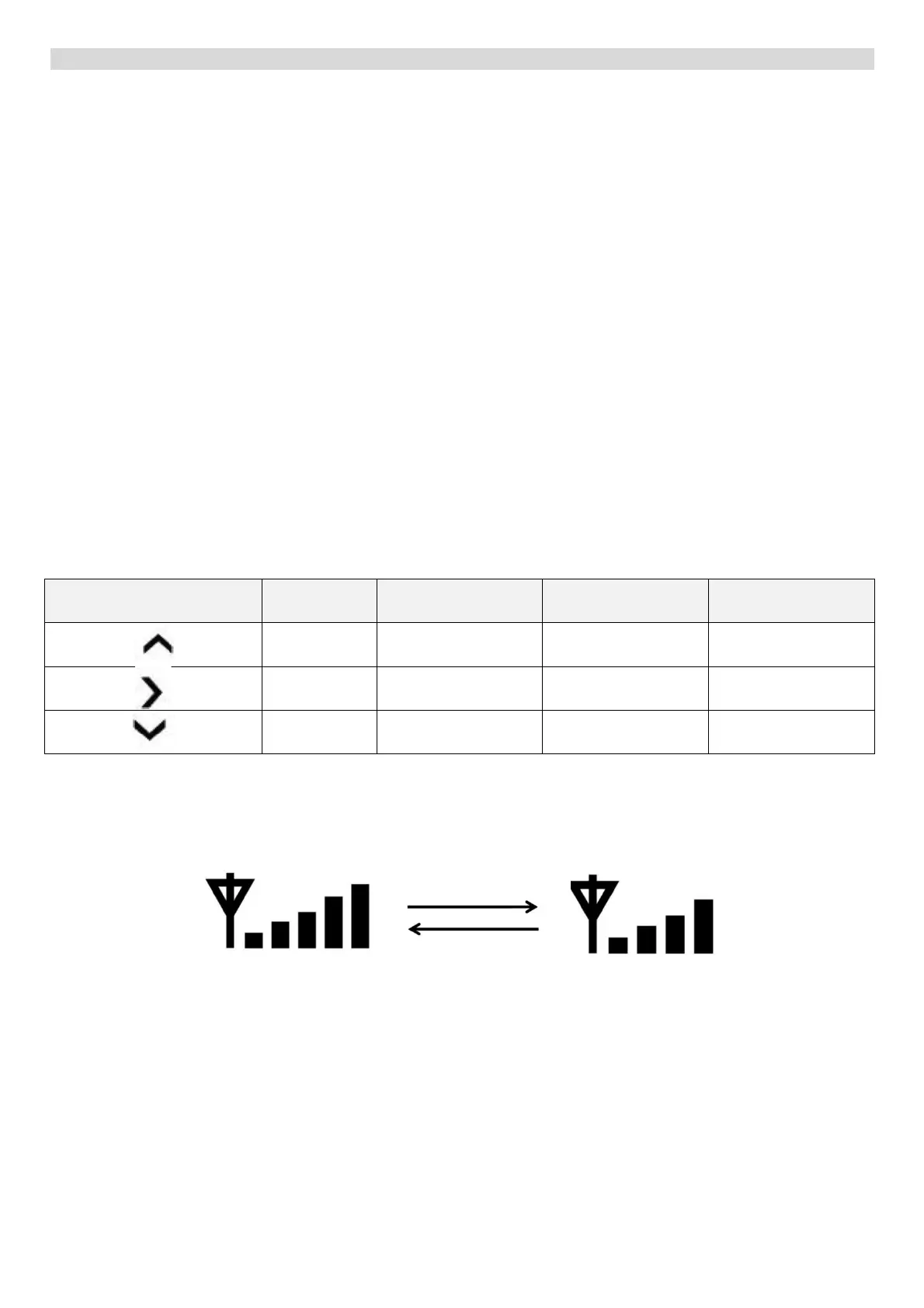
Signal strength for data transmission from the integrated outdoor sensor
If the signal from the integrated wireless sensor is not strong enough and the data transmission to
the main unit in unsuccessful, one bar from the signal reception icon is removed. Once the
transmission is successful again, one bar will be added.
Weather forecast
The weather station is equipped with a built-in sensitive barometric pressure sensor for weather
forecasting. The main unit will display the following icons – sunny, somewhat cloudy, cloudy, rain or
snow. A flashing rain or snow icon indicates a thunderstorm.
If the outdoor temperature is below 0 °C and the forecast is rain, the snow icon will be displayed.
Unsuccessful data transmission
Successful data transmission


 To Next Page
 Loading...