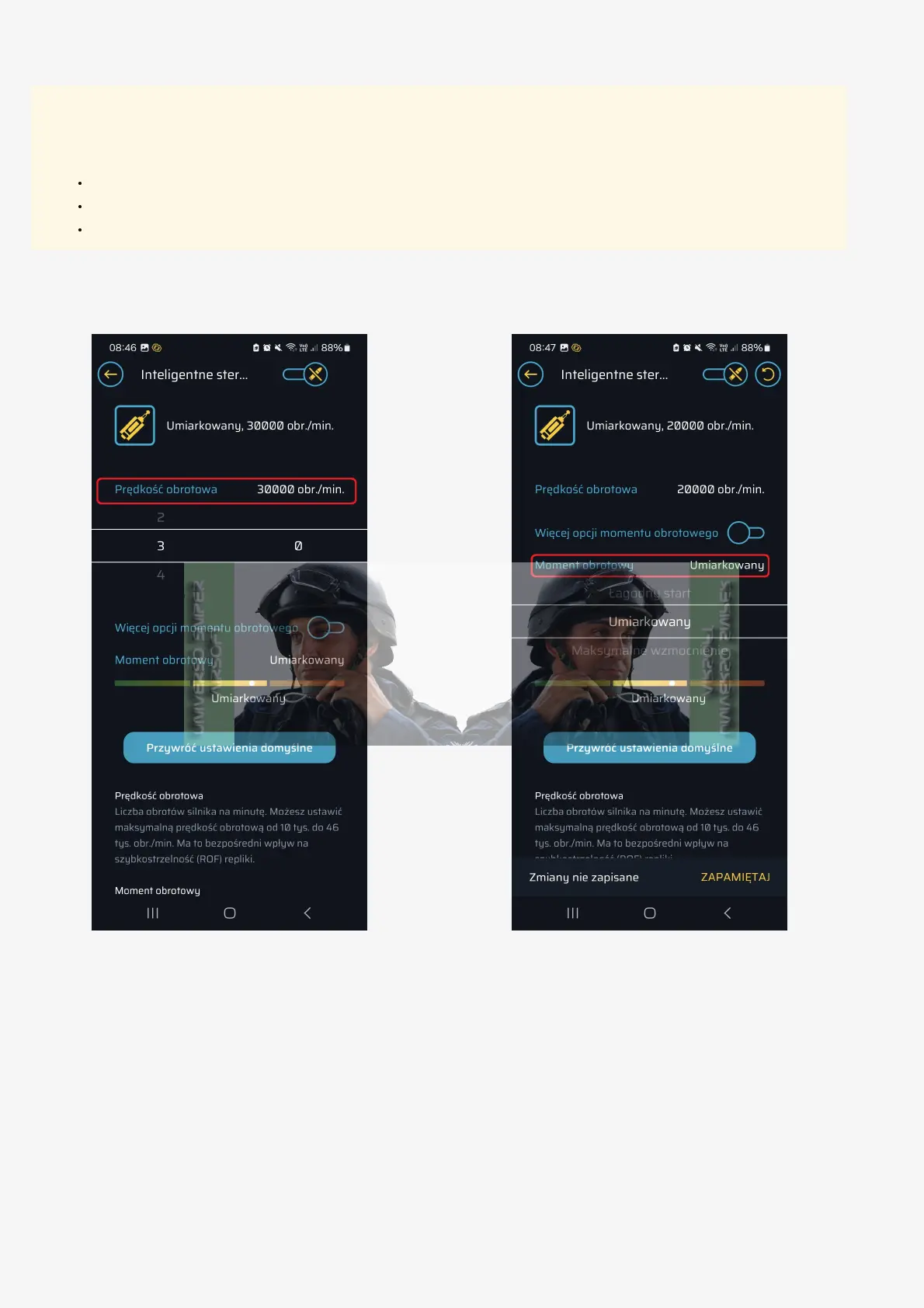
13. Configure the motor according to your preferences.
G5 Motor Configuration
Caution
In communication mode, the motor may move the gearbox and tension the spring, which could result in a shot being fired. Before use,
make sure the replica:
Is unloaded.
Is not aimed at any living being.
Is not aimed at valuable property.
1. Go to the "Smart Brushless G5 Motor Control" tab.
2. Select the motor's rotation speed and torque.
3. Advanced settings:
a. If you want to fine-tune the motor's torque, click "More torque options".
4. You can set the torque with an accuracy from 10% to 100%, in 10% increments.



 To Next Page