7. Bleed air from system.
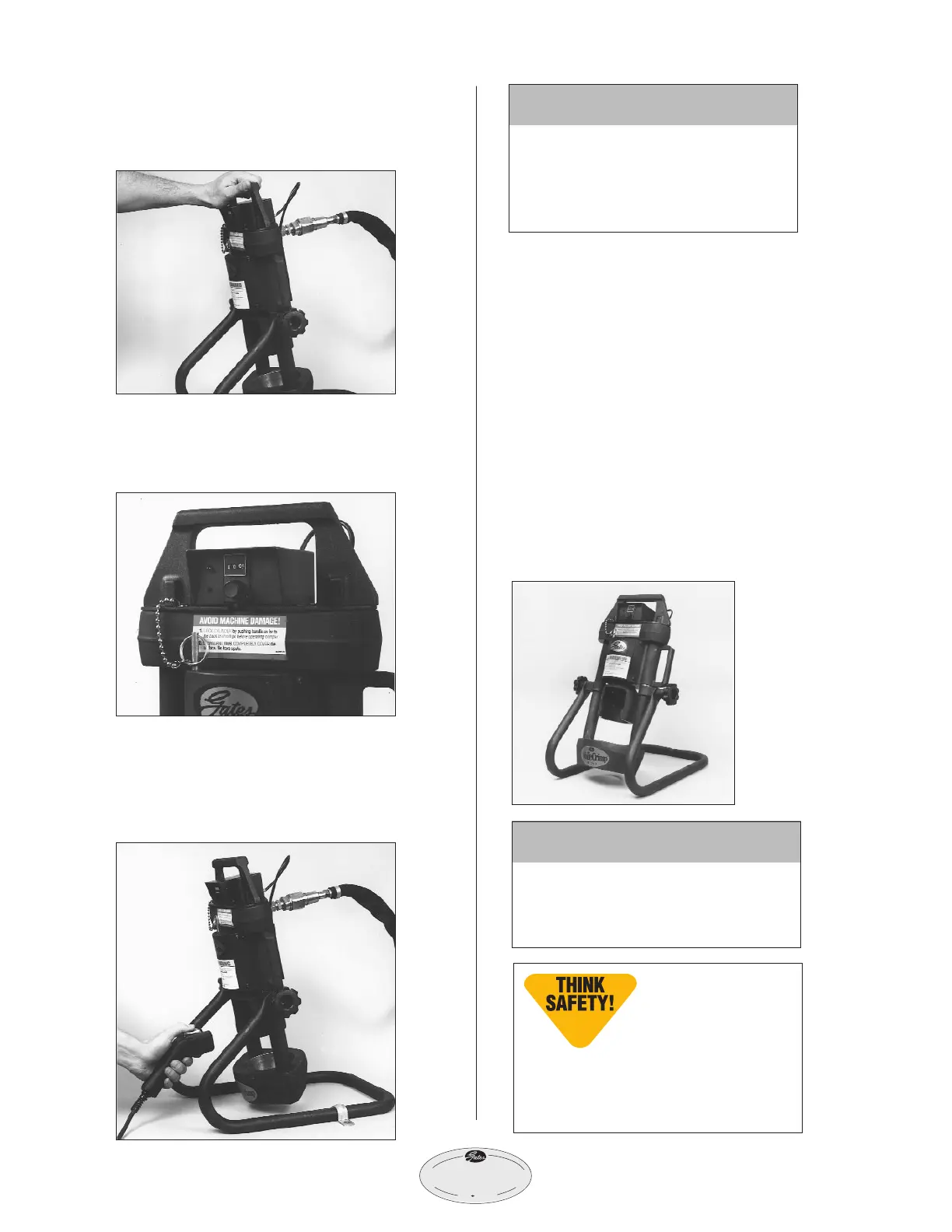
• Tilt crimper forward so adapter is at
its highest point.
• Turn the knob on the controller to a
setting of 400, which allows the ram
to extend approximately 1".
• Turn pump on by pressing and holding
the power ”on“ switch, (see pump
operating manual for switch location)
which extends the ram.
• When the light comes on and buzzer
sounds, immediately release “on” switch
allowing ram to fully retract. NOTE: If
light and buzzer are faint or do not
work, the controller batteries may need
replacement. See “Maintenance” section
of this manual.
• Repeat a minimum of five (5) times to
bleed air completely.
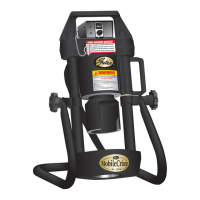
8. Place crimper in comfortable
working position.
• See photo below for suggested working
position.
IMPORTANT
Do not operate crimper in
horizontal position because dies
will become unstable.
Note: It’s a good
idea to place a rub-
ber mat on the floor
near the crimper to
reduce the chance of damaging a
die if dropped and improve opera-
tor comfort.
CAUTION
Keep away from all moving parts!
If bodily contact with a moving
part occurs, immediately release
the pump power “on“ switch.


 To Next Page