213
Protecting your computer from viruses
www.gateway.com
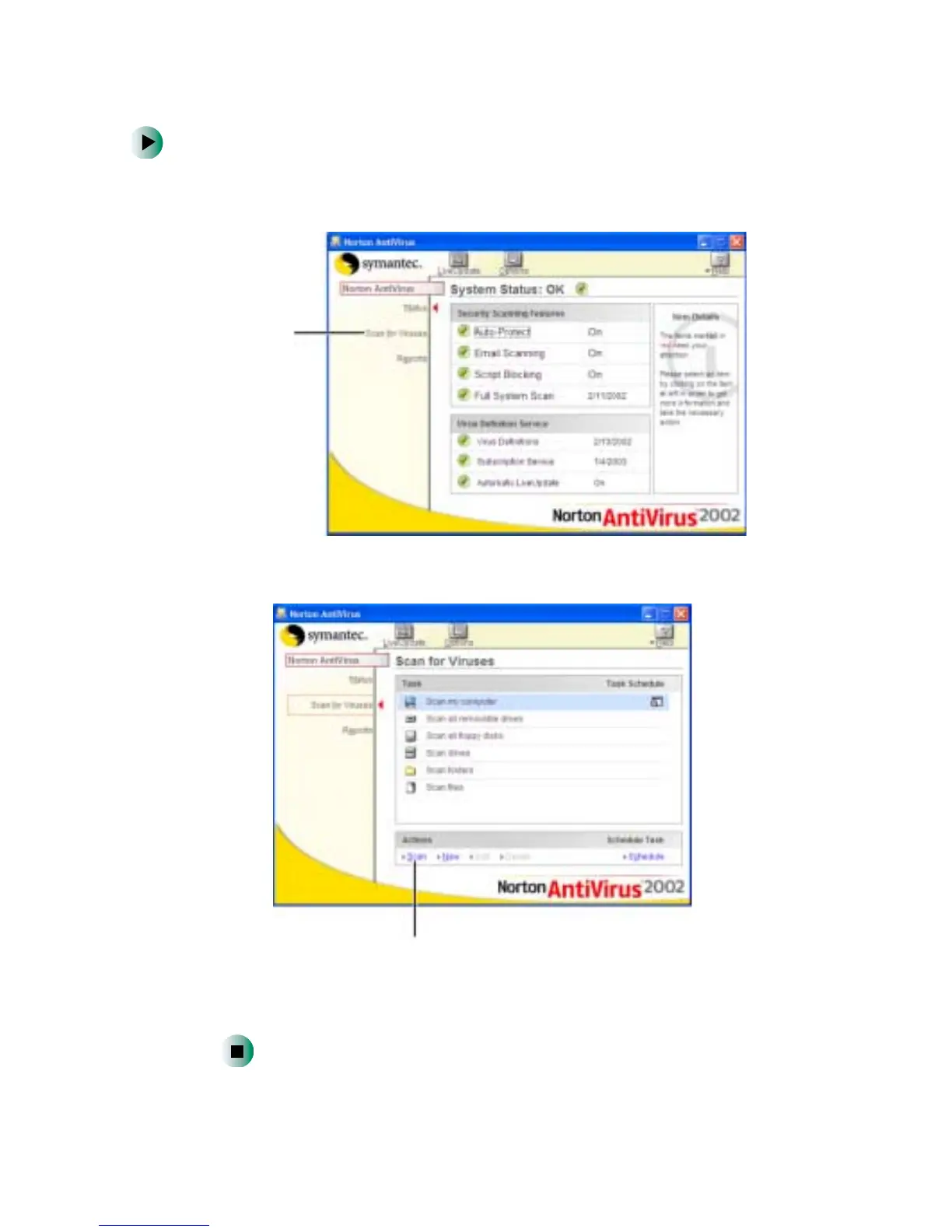
To scan for viruses:
1 Click Start, All Programs, Norton AntiVirus, then click Norton AntiVirus 2002.
Norton AntiVirus opens.
2 Click Scan for Viruses.
3 Click the type of scan you want to make in the Scan area, then under
Actions, click
Scan.
Scan for
viruses
Scan



 To Next Page