15
Connecting the wrist strap
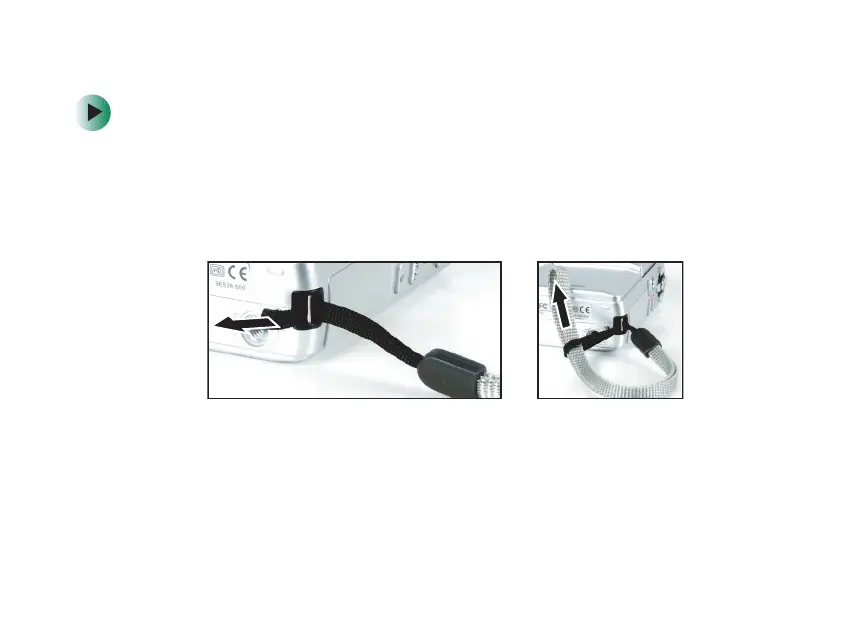
To connect the wrist strap:
1 Find the wrist strap that came with your camcorder.
2 Thread the small looped end of the wrist strap through the wrist strap
eyelet on your camcorder.
3 Pull the large looped end of the wrist strap through the small loop
until the strap is secure.
09449.book Page 15 Tuesday, September 16, 2003 5:04 PM



 To Next Page