46
To use the software:
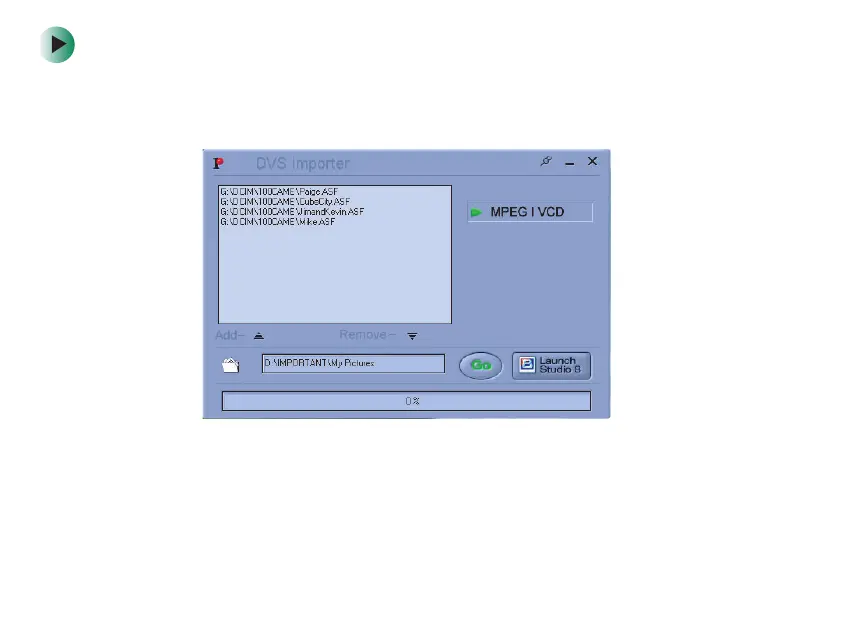
1 Click Start, All Programs, Studio 8, Tools, then click DVS Importer. The
DVS Importer window opens.
2 Click Add. The Destination dialog box opens.
3 Navigate to the folder that contains the video files, click each file you
want to convert, then click
Open.
09449.book Page 46 Tuesday, September 16, 2003 5:04 PM



 To Next Page