98
www.gateway.com
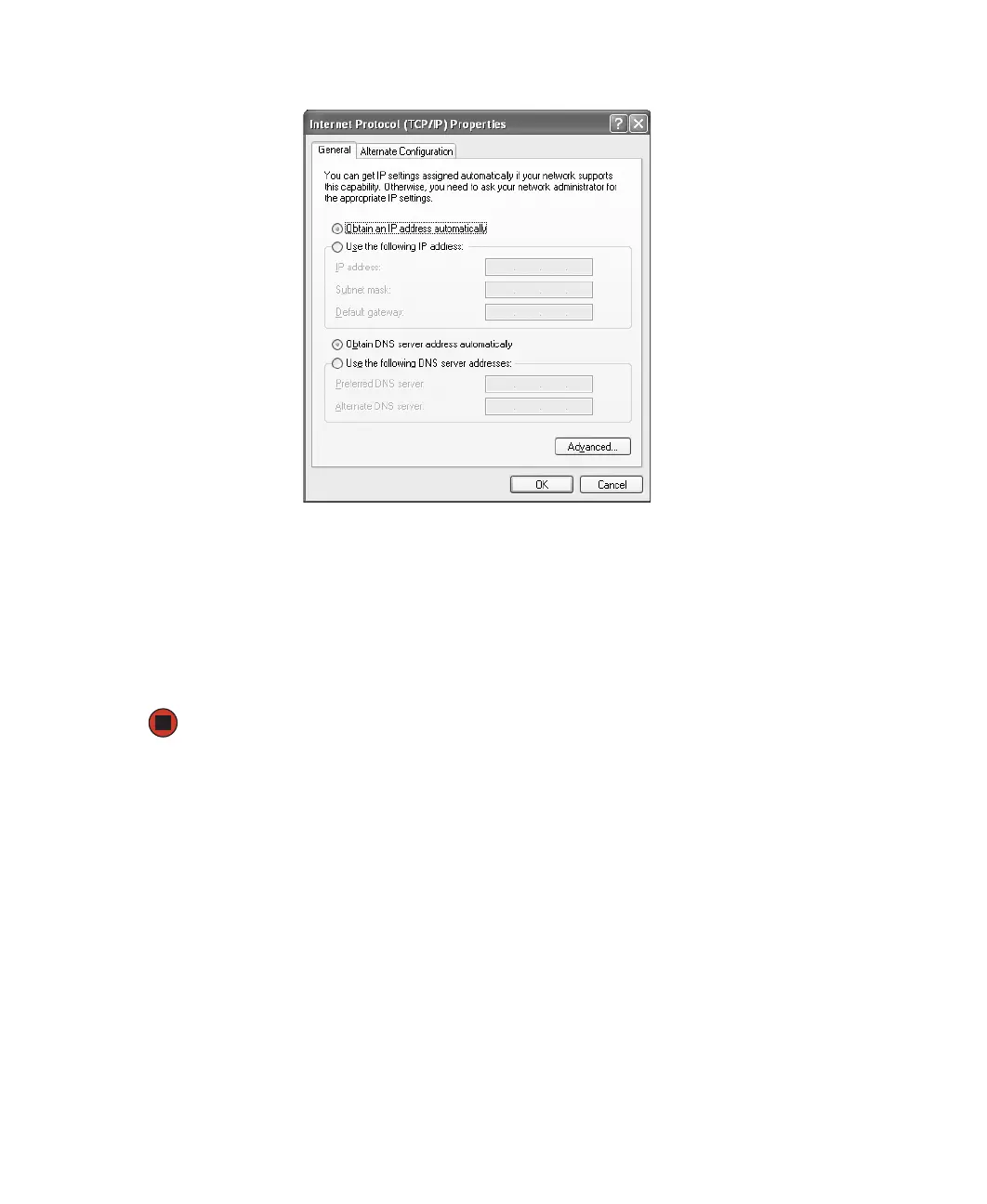
6 Click the General tab.
7 Click Obtain an IP address automatically.
8 Click OK to close the Internet Protocol (TCP/IP) Properties dialog box.
9 Click OK to close the Local Area Connection Properties dialog box.
10 Click X to close the Network Connections window.
11 Repeat this procedure for every computer on your network.
Where to go from here
If you are setting up a wireless Ethernet, go to “Setting up a wireless Ethernet network”
on page 99.
-OR-
If you are setting up a wired Ethernet, go to “Setting up a wired Ethernet network” on
page 106.



 To Next Page