57
www.gateway.com
Installing memory
When you upgrade the computer memory, make sure that you install the correct type of
memory module for your computer. Your computer uses DIMM memory.
To install or replace DIMM memory:
1 Open the case by following the instructions in “Opening the case” on page 54.
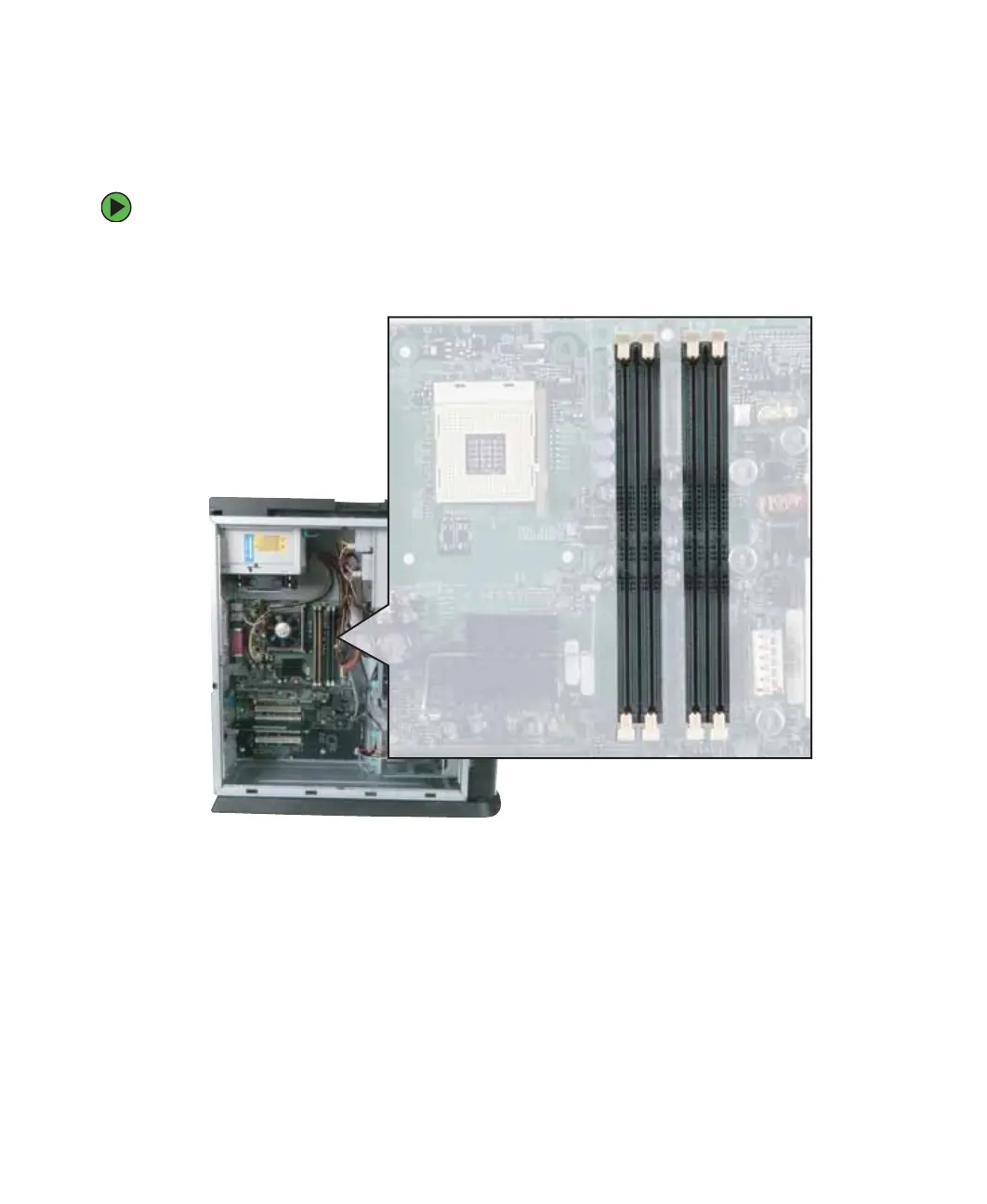
2 Find the memory module banks on your system board.



 To Next Page