61
www.gateway.com
Closing the case
To close the case:
1 Make sure that all of the internal cables are arranged inside the case so they will not
be pinched when you close the case.
2 Align the tabs on the front of the panel into the case notches.
3 Swing the side panel toward the case until it is flush with the side of the case.
4 Replace the thumbscrews.
5 Reconnect the cables and power cord.
Removing the front bezel
Some upgrading procedures may require you to remove the front bezel.
To remove the front bezel:
1 Open the case by following the instructions in “Opening the case” on page 60.
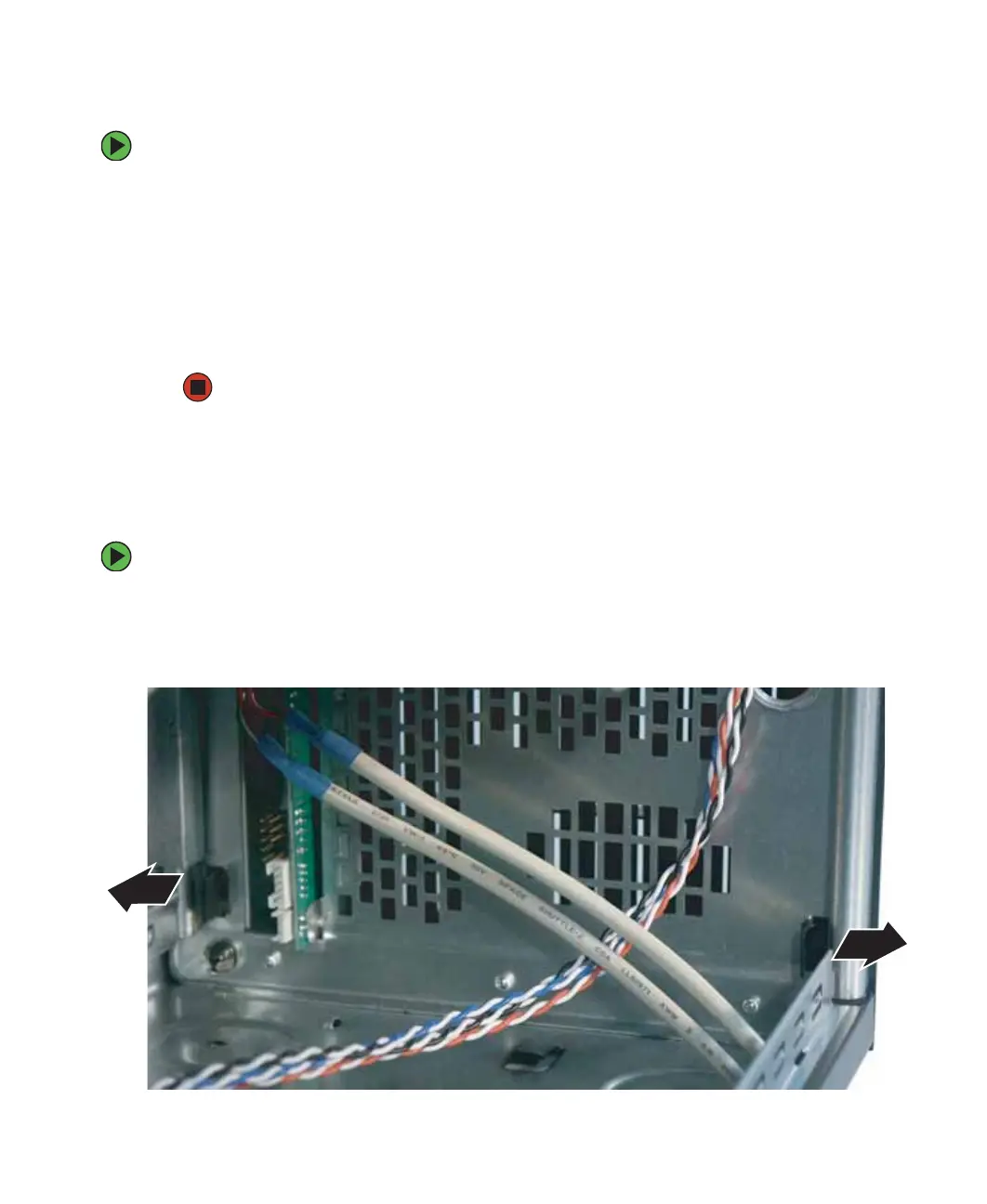
2 In the lower front area of the case, press the two bezel retention tabs outward until
the lower part of the bezel detaches from the case.



 To Next Page