104
www.gateway.com
Adding an access point
If an access point does not appear in the Available networks list, and you know the access
point is turned on, you need to add it manually. This typically happens when you set the
access point’s
Allow Broadcast SSID to associate to No. For more information, see
“Configuring the access point” on page 99.
To manually add an access point wireless Ethernet network:
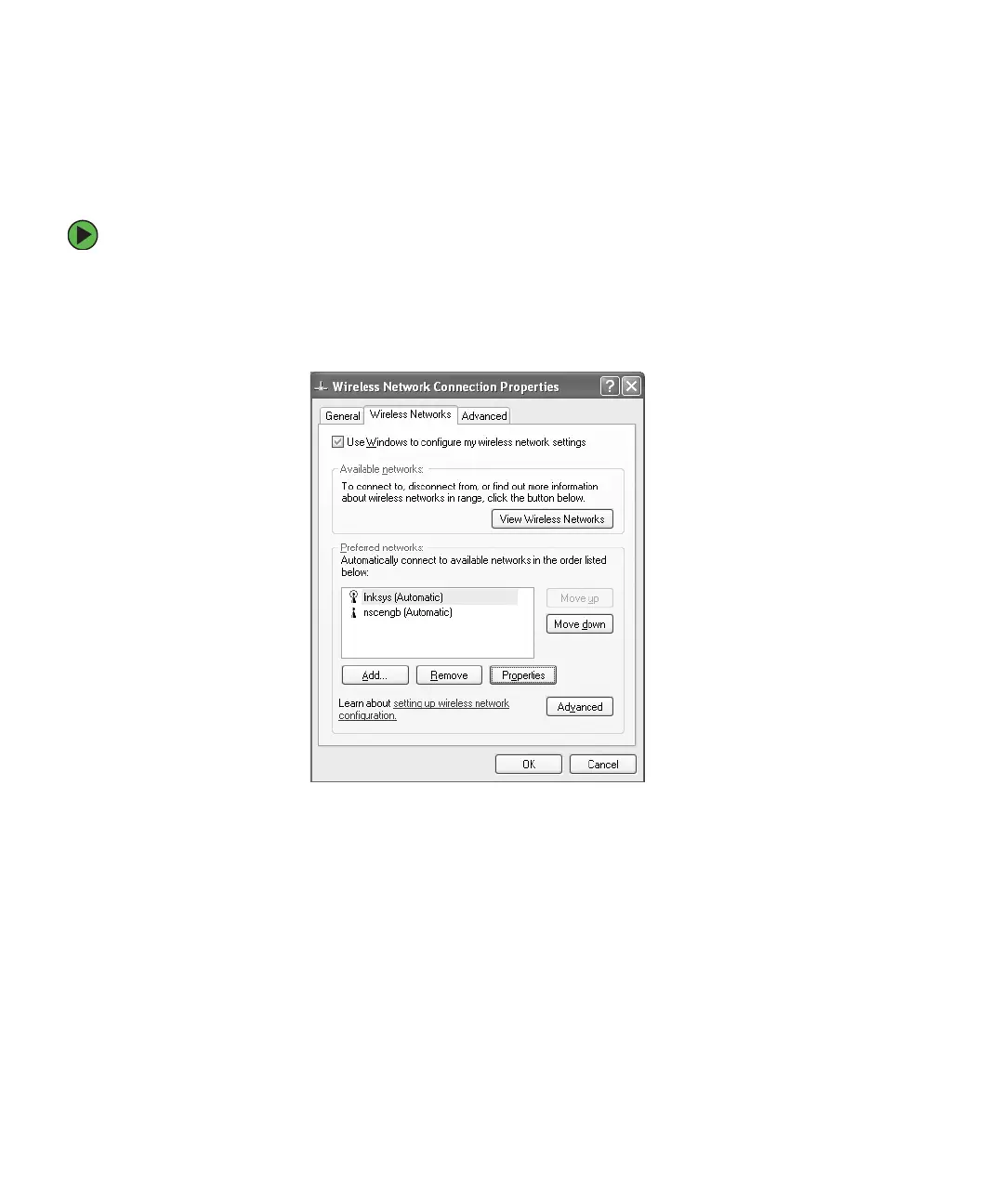
1 With the Wireless Network Connection window open, click Change order of preferred
networks
. The Wireless Network Connection Properties dialog box opens.
2 Click the Wireless Networks tab.



 To Next Page