112
www.gateway.com
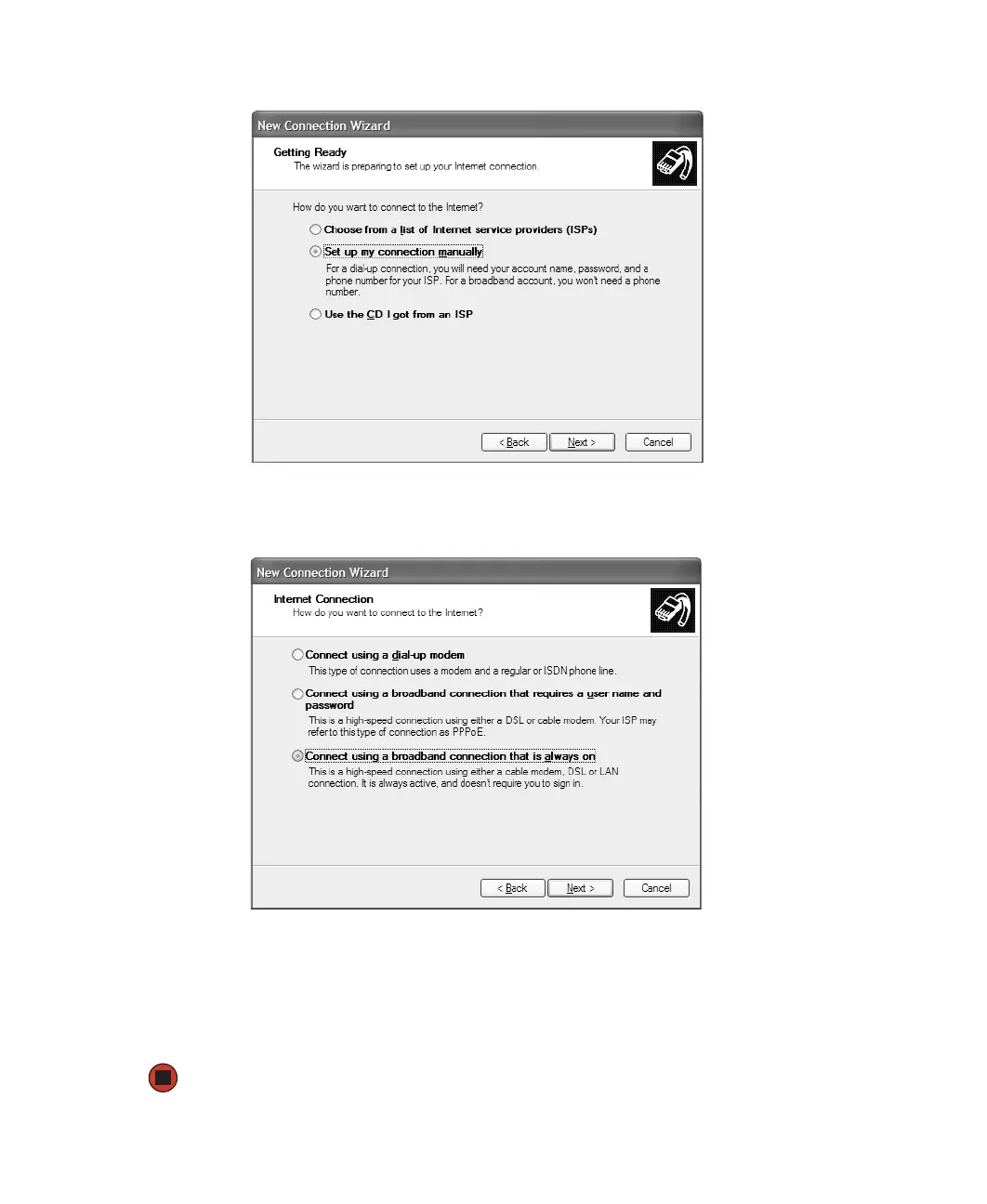
6 Click Connect to the Internet, then click Next. The Getting Ready screen opens.
7 Click Set up my connection manually, then click Next. The Internet Connection screen
opens.
8 Click the type of Internet connection you are setting up, then click Next.
9 Click Finish.
10 Repeat this procedure for each computer on your network. Go to “Accessing the
Internet” on page 113.



 To Next Page