66
www.gateway.com
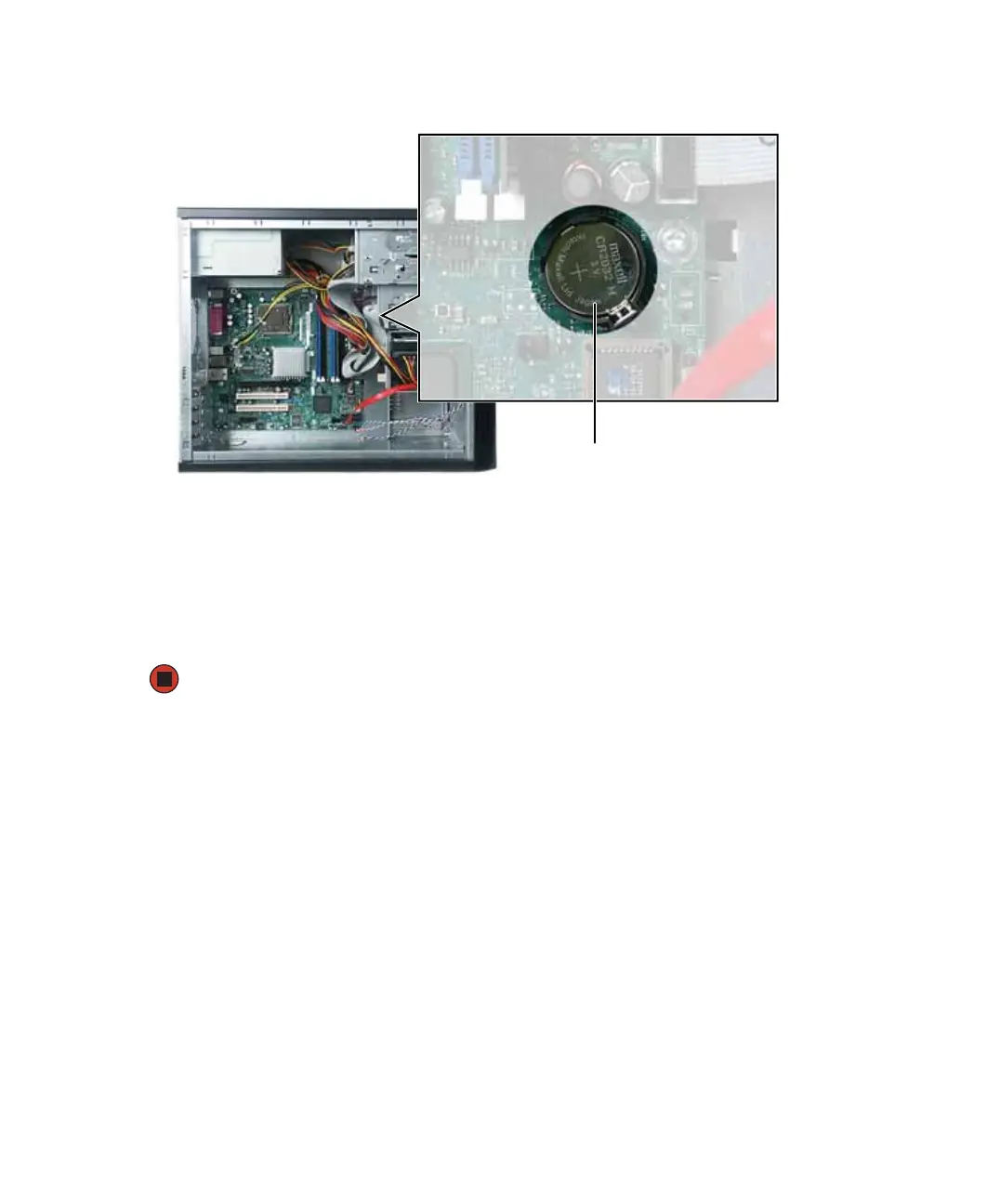
4 While pushing down on the battery release tab, place the edge of a small flat-head
screwdriver under the battery and lift the battery up until it pops out of the socket.
5 Make sure that the positive (+) side of the new battery is facing up, then press the
battery into the socket until it snaps into place.
6 Close the case by following the instructions in “Closing the case” on page 61.
7 Reconnect all external cables and the power cord.
8 Turn on your computer.
Battery



 To Next Page