Using Your Gateway Flat-panel Monitor
16
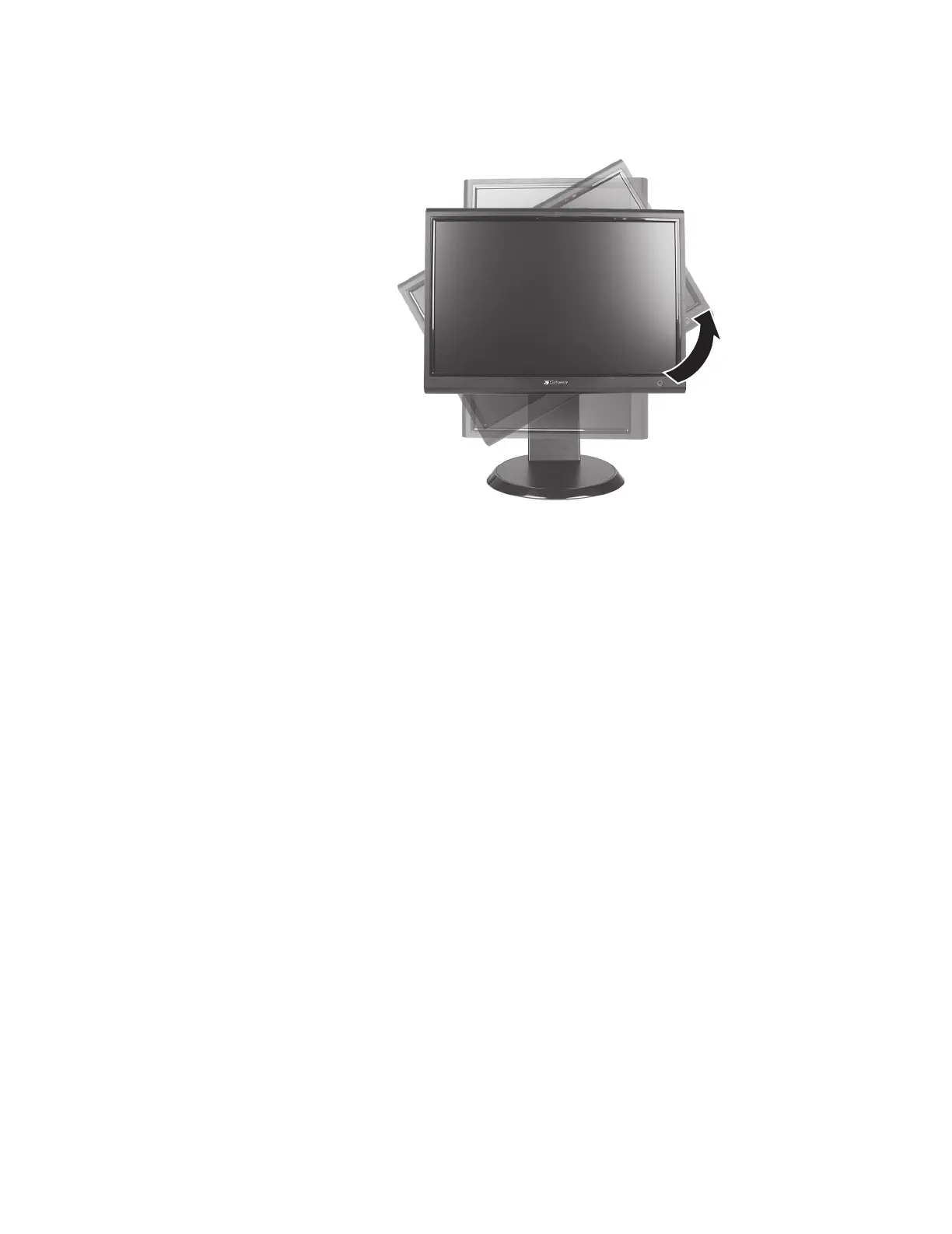
Using landscape and portrait modes (requires optional height-adjustable stand)
EzTune automatically switches the display to the appropriate mode (landscape or portrait) when
you rotate the screen. This feature works only with VGA or DVI input (the OSD does not rotate
into portrait mode).
While using portrait mode:
• Full-screen video may display incorrectly or be slow.
• Video games or other full-screen applications may not be fully compatible.
• Some programs are not able to recognize and adapt to your monitor’s portrait mode. If
you experience problems with a program while using portrait mode, switch to landscape
mode and restart the program.



 To Next Page