Getting to know your computer -
15
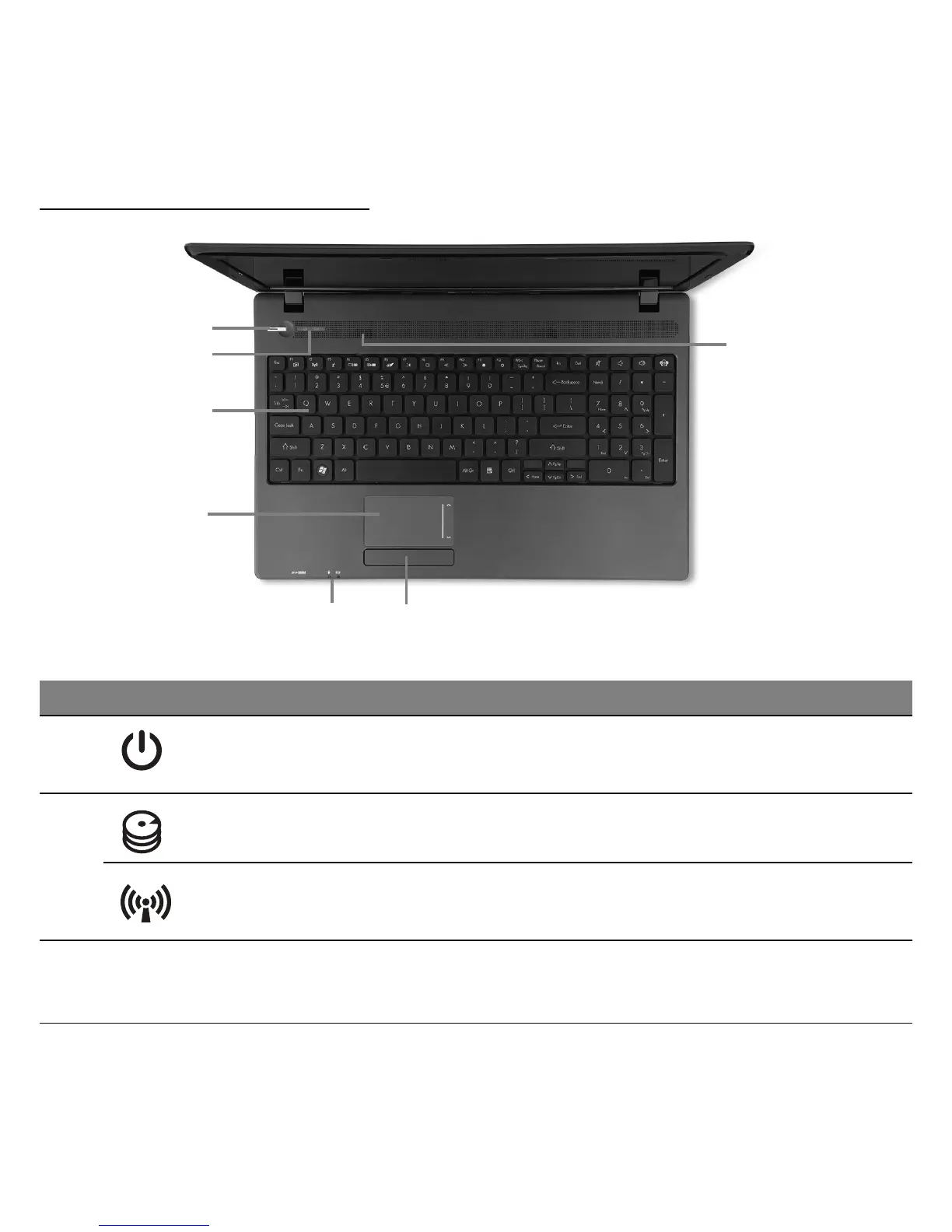
TOP VIEW - KEYBOARD
4
6
7
89
10
5
# Icon Item Description
4
Power button /
indicator
Turns the computer on and off. Indicates the
computer's power status.
5
HDD indicator Indicates when the hard disk drive is active.
Communication
indicator
Indicates the computer’s wireless
connectivity device status.
6 Keyboard
For entering data into your computer.
− Special keys are described on page 17.












 To Next Page