38
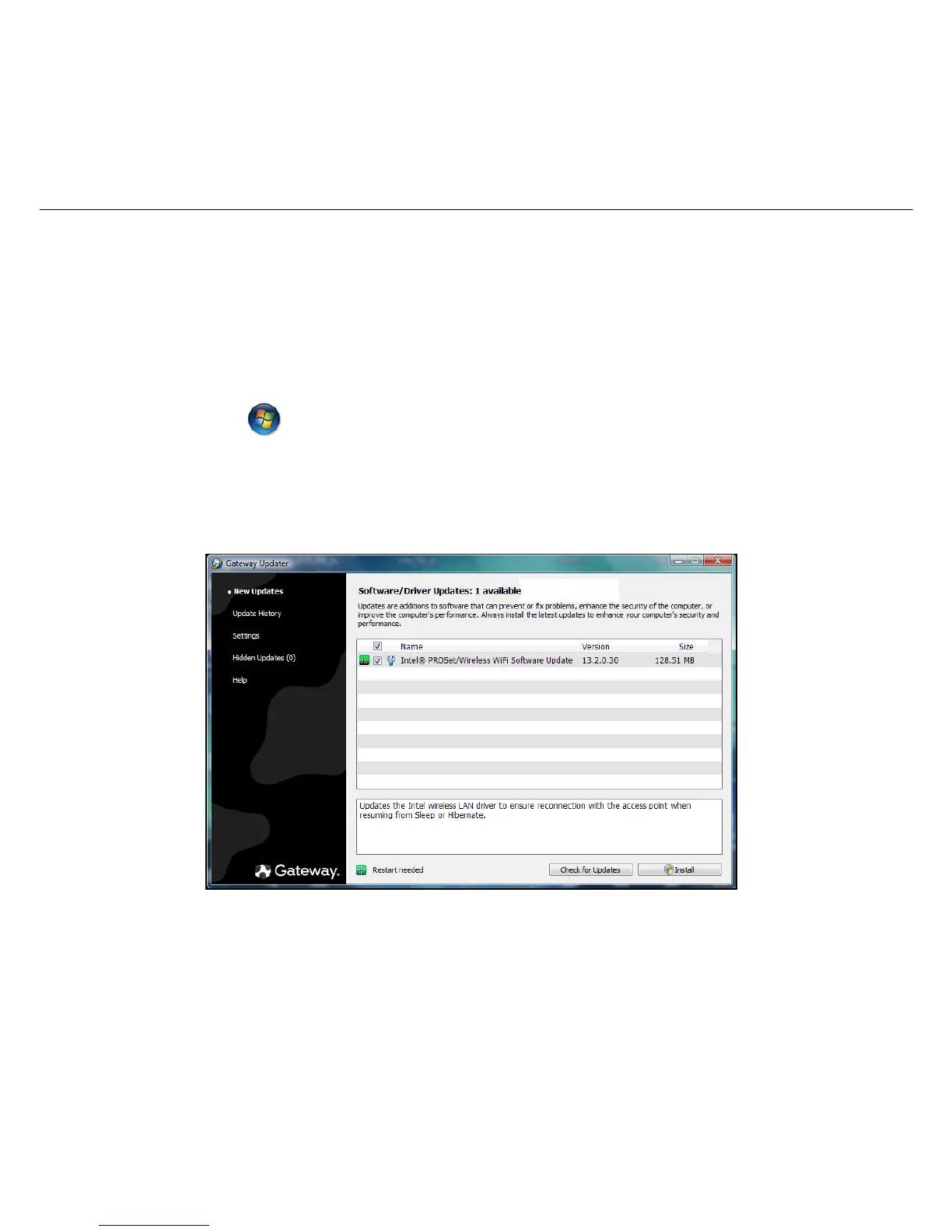
Gateway Updater
To ensure that your computer has the latest available updates for
drivers and software, please use the
Gateway Updater
program as
soon as you have configured an Internet connection.
The updater checks for updates every day, but if you want to see if
updates are available, you can start the check at any time.
1. Click on Start > All Programs > Gateway > Gateway Updater or
double-click the Gateway Updater icon on the desktop.
2.
Gateway Updater
will search the Gateway support website for
updates for your computer and display a list of available updates.
3. Select the updates you wish to install and click on the Install button.












 To Next Page