Getting to know your computer -
19
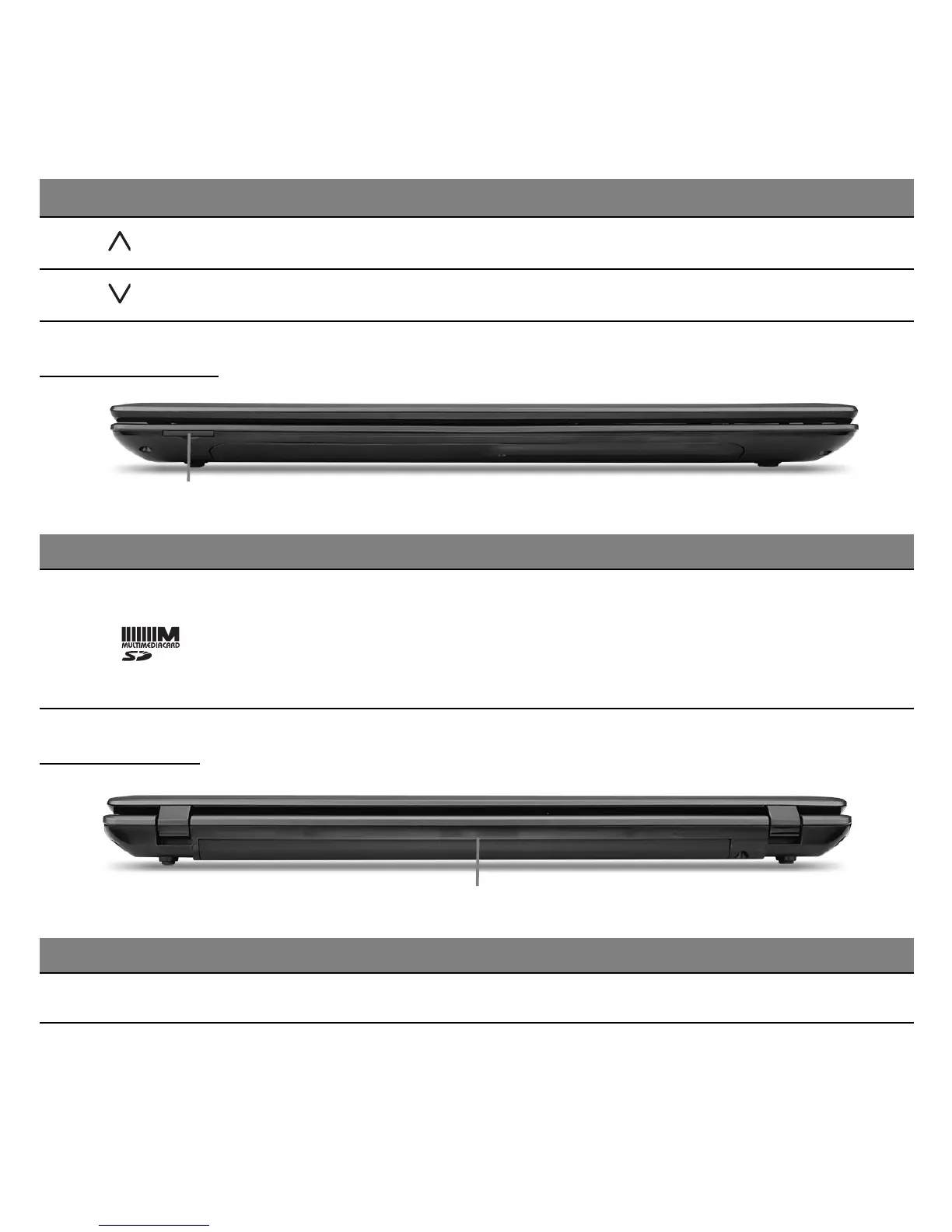
FRONT VIEW
1
REAR VIEW
1
Fn + Page up Scrolls up a page in a document.
Fn + Page Down Scrolls down a page in a document.
# Icon Item Description
1 2-in-1 card reader
Accepts one Secure Digital (SD or SDHC) card,
or MultiMediaCard (MMC).
− Push to remove/install the card. Only one
card can operate at any given time.
# Icon Item Description
1 Battery bay Houses the computer's battery pack.
Hotkey Icon Function Description












 To Next Page