18
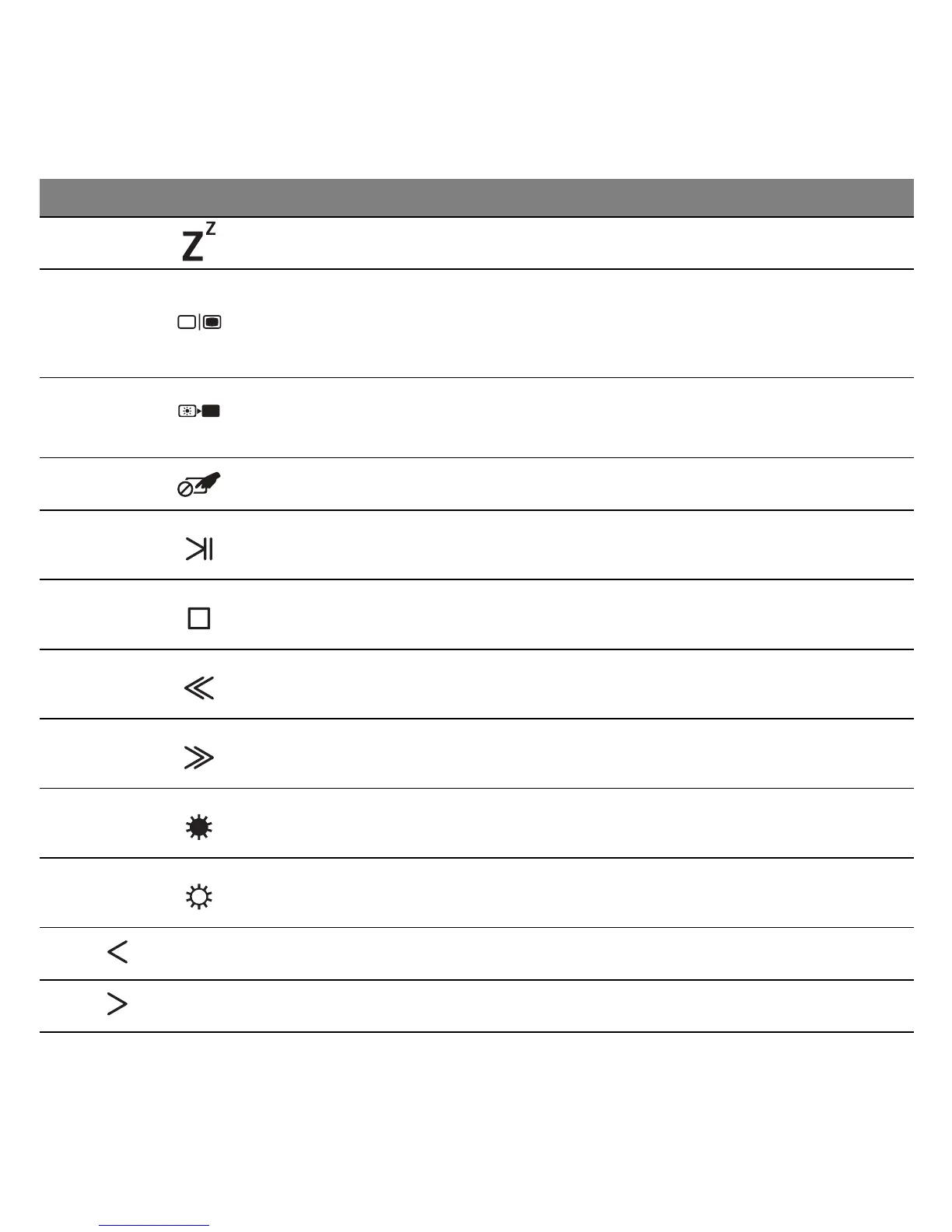
Fn + F3 Sleep Puts the computer in Sleep mode.
Fn + F4 Display toggle
Switches display output between the
display screen, external monitor (if
connected) and both.
Fn + F5 Screen blank
Turns the display screen backlight off to
save power. Press any key to return.
Fn + F6 Touchpad toggle Turns the internal touchpad on and off.
Fn + F7 Play/Pause Play or pause a selected media file.
Fn + F8 Stop Stop playing the selected media file.
Fn + F9 Previous Return to the previous media file.
Fn + F10 Next Jump to the next media file.
Fn + F11 Brightness down Decreases the screen brightness.
Fn + F12 Brightness up Increases the screen brightness.
Fn + Home Scrolls to the beginning of a document.
Fn + End Scrolls to the end of a document.
Hotkey Icon Function Description












 To Next Page