Getting to know your computer -
17
Hotkeys
The computer employs hotkeys or key combinations to access most of
the computer's controls like screen brightness and volume output.
To activate hotkeys, press and hold the Fn key (bottom left) before
pressing the other key in the hotkey combination.
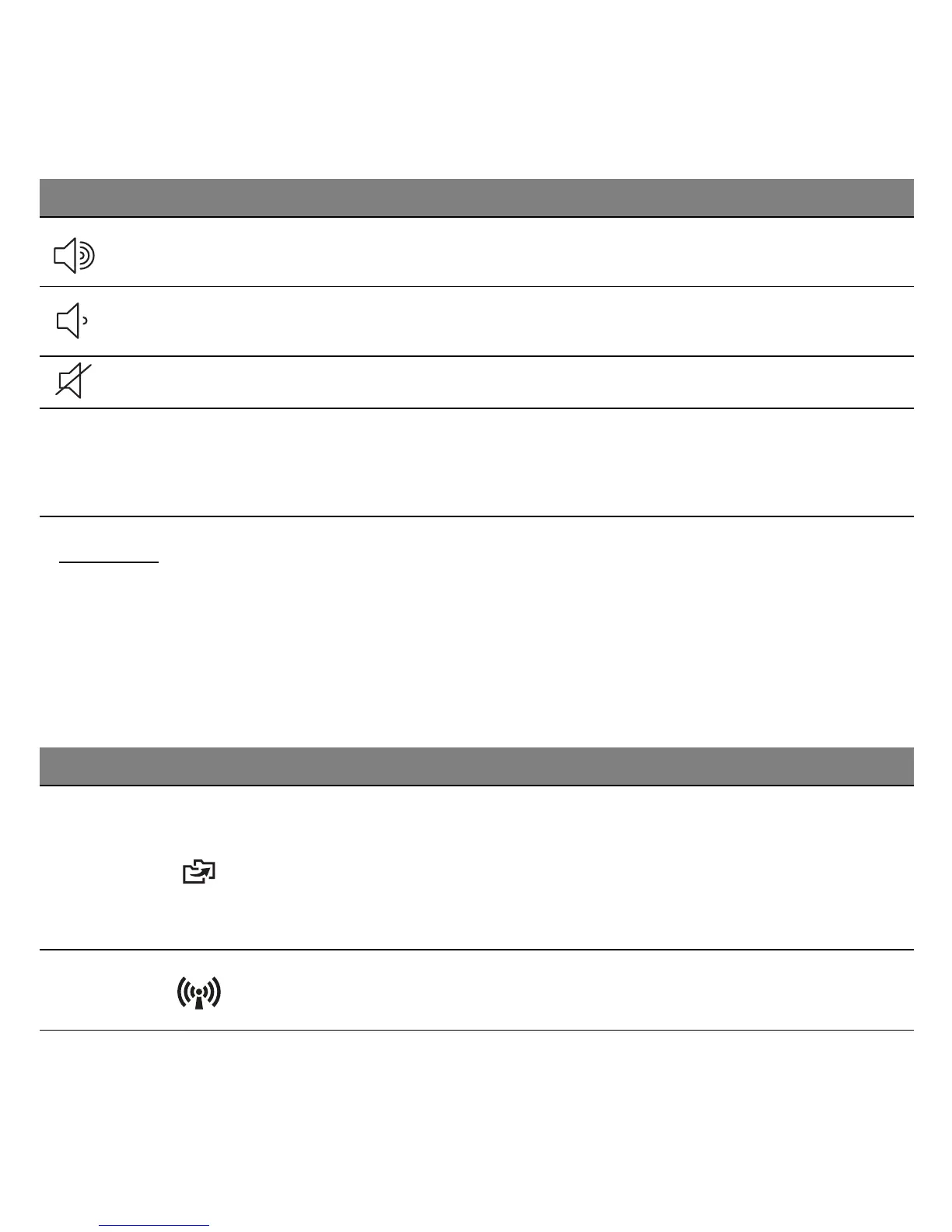
Volume up Increases the sound volume.
Volume down Decreases the sound volume.
Speaker toggle Turns the speakers on and off.
Fn
Hotkey for second
function
Activates a second function on certain keys.
E.g. press and hold the Fn key to activate the
Communication key.
Hotkey Icon Function Description
Fn + F1
Gateway
MyBackup
Allows you to create backup copies of
your computer; either the entire system
or only selected files and folders. Create a
regular schedule or make copies
whenever you want.
Fn + F2 Communication
Enables/disables the computer’s
communication devices.
Icon Function Description












 To Next Page