Helpdesk -
75
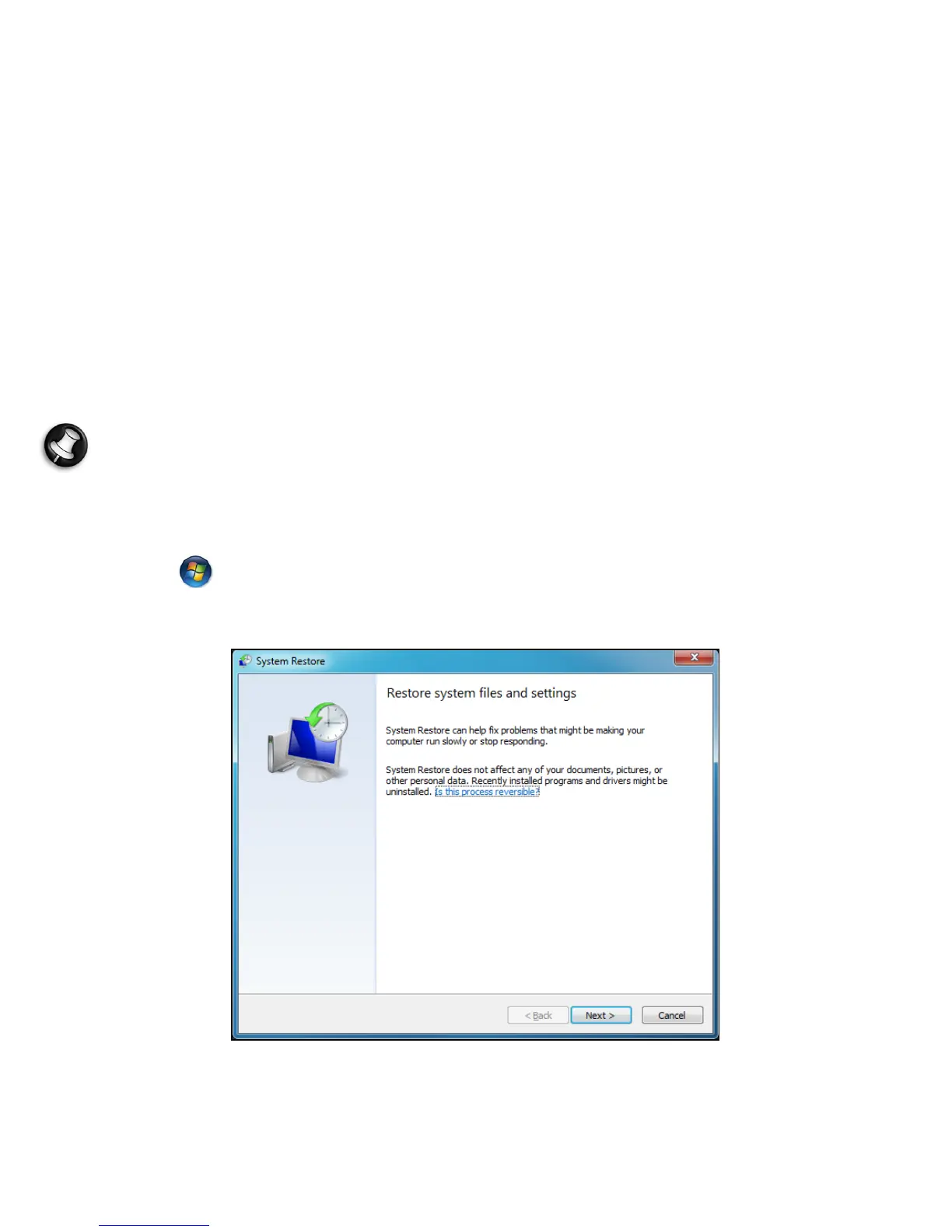
Windows System Restore.
System Restore
monitors changes to your computer and automatically
creates restore points that store your computer’s configuration each
time a major change occurs (such as installing programs). It can undo
harmful changes to your computer and restore settings and
performance without removing your personal data files (such as
documents, browsing history, photos, favorites, or emails).
Note: If you only need to uninstall a program, do not use System
Restore. To uninstall a program use Programs and Features in the
Control Panel.
To start System Restore from the Windows desktop:
Click Start > All Programs > Accessories > System Tools > System
Restore.












 To Next Page