12
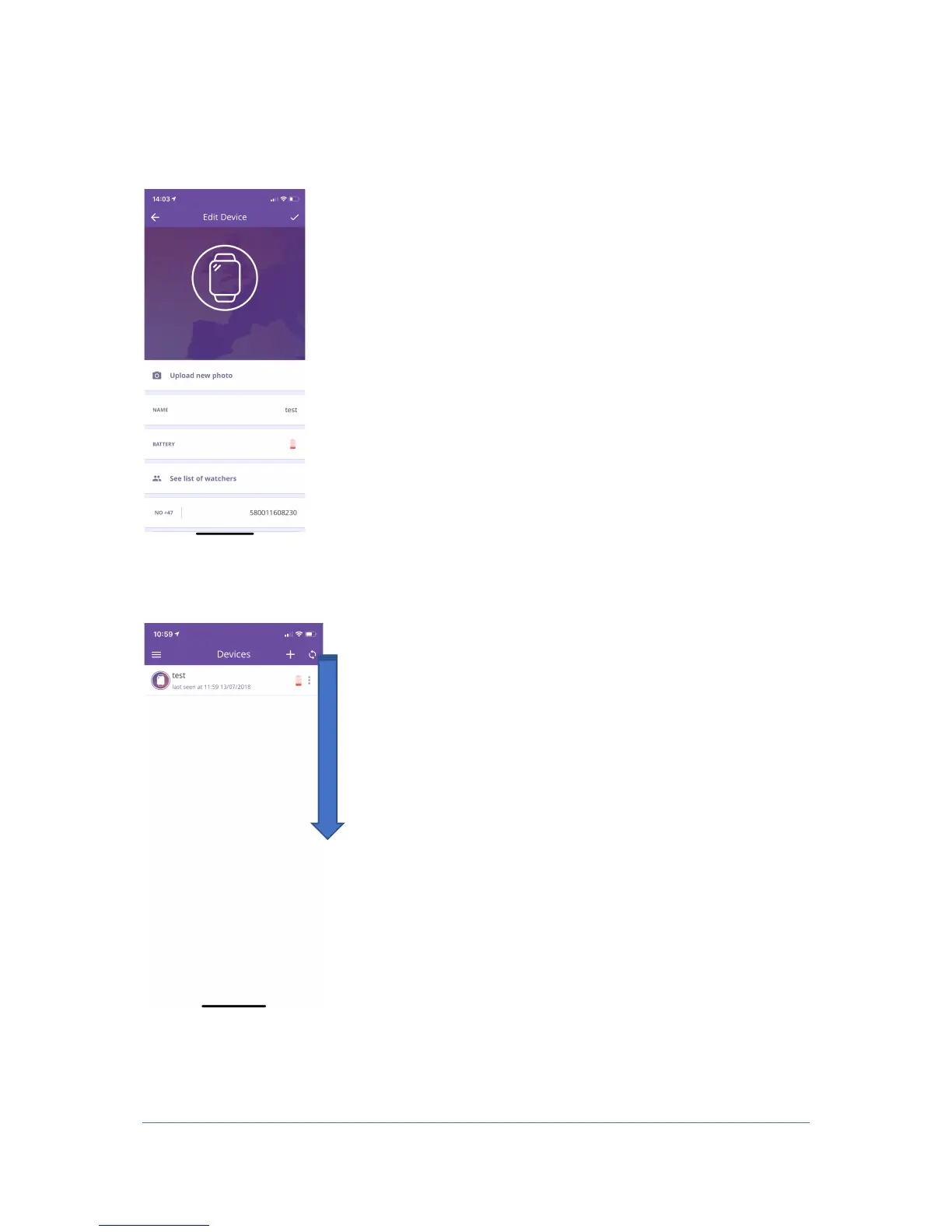
3. In the screen where you can change your device, you can set alarms, see who has
access to your device, contact list where you see who can call the watch and add new
numbers to the watch and you can change the time zone. Here you can also change
the image on the device if you want to.
4. To update the main screen after updating your location, drag down the main screen.
Then you will get up to date updates on your device. (Battery, last seen, etc.)



 To Next Page