13
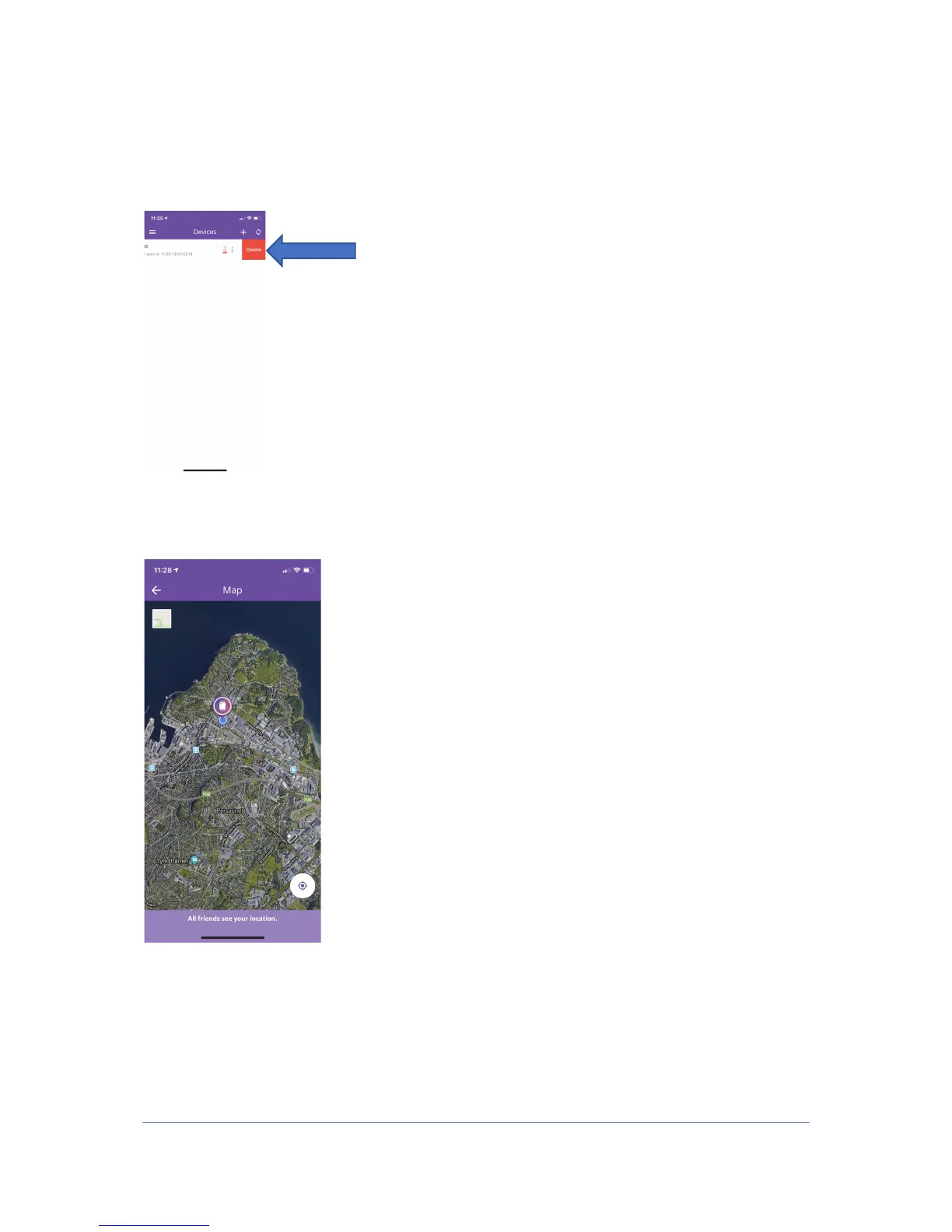
5. To delete a device, drag the device to the left in the home screen. Then there is a
delete button, which you simply press and delete the device. If you are Admin using
the watch, it will also be deleted from the others who have access to the device
when you delete it.
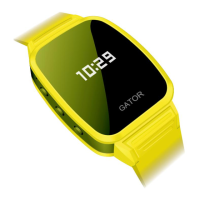
6. To enter the map to see where your device is located, tap the device on the home
screen and the map will appear. The blue little dot is your own position on your
mobile, and the watch is the slightly larger location needle with a picture in the
middle.


 To Previous Page