EasyManua.ls Logo

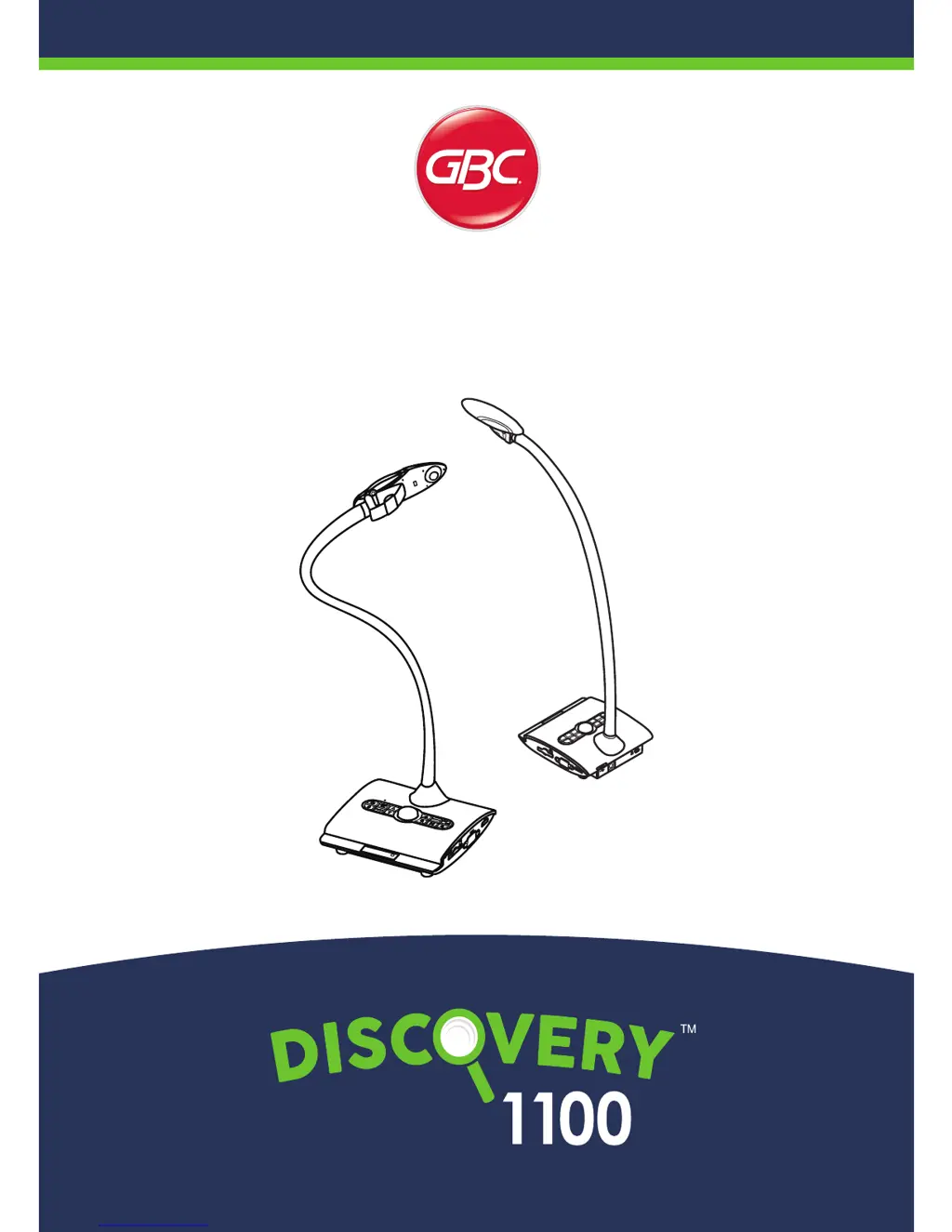
GBC Discovery 1100 - User Manual

GBC Discovery 1100
52 pages
Print Icon
To Next Page IconTo Next Page
Loading...
TS-82-914-90011
TS-82-914-90040
User Manual
PRODUCT CODE: DCV10001

Questions and Answers

  • A
    Alexandria WalkerAug 17, 2025
    Why is my GBC Discovery 1100 Document Camera not powering on?
    • F
      Felicia HessAug 17, 2025
      If your GBC Document Camera isn't powering on, it might be due to the AC adapter not being properly connected. Ensure that one end of the AC adapter is securely connected to the document camera and the other end is plugged into a working wall outlet.
  • N
    nicholasmarshallAug 20, 2025
    What to do if the remote control of GBC Discovery 1100 Document Camera doesn't work?
    • A
      ann96Aug 20, 2025
      If the remote control for your GBC Document Camera isn't working, consider these potential solutions: * Replace the AAA batteries in the remote control. * Ensure there are no obstructions blocking the remote control signal receiver on the document camera. * Try standing closer to the document camera while using the remote control.
  • C
    Chelsea MayoAug 23, 2025
    Why GBC Discovery 1100 Document Camera cannot take pictures and video clips?
    • K
      Kyle WhiteAug 23, 2025
      If your GBC Document Camera is unable to capture pictures or video clips, it could be due to a couple of reasons: * The memory might be full. Try freeing up space on the SD/MMC card or the internal memory. * If you're using an SD card, it might be write-protected. Ensure the SD card is set to be writable.
  • J
    Jason BaileyAug 26, 2025
    What to do if the GBC Discovery 1100 has no image output after connecting?
    • J
      Jamie ClarkAug 26, 2025
      If you're not getting any image output from your GBC Document Camera after connecting it, check the following: * Make sure all related cables are correctly connected to the external device. * Verify that the input type of the display output device is correctly set. * Ensure the display output device supports the resolution being output. * Confirm that the correct output port is selected on the document camera's output switch.
  • J
    John AdamsAug 28, 2025
    Why is the image from my GBC Document Camera fuzzy?
    • W
      whitetimothyAug 28, 2025
      If the image from your GBC Document Camera appears fuzzy, it could be due to the object being too close to the lens. Try pressing the AF button to auto-focus or adjust the focus manually. If the object is less than 25cm away, select Macro mode.
  • A
    Angela HarperAug 31, 2025
    What does it mean if my GBC Document Camera displays “MEMORY ERROR” or “CARD ERROR”?
    • R
      Rebecca JamesAug 31, 2025
      If your GBC Document Camera displays a “MEMORY ERROR” or “CARD ERROR” message, or if the memory card cannot be read, it could be due to these reasons: * The memory card's format might not be compatible. Use the "Format" function on the document camera to format the card. * The memory card might be corrupted. Try replacing it with a new one.
  • T
    Taylor GibsonSep 2, 2025
    How to fix the reverse image on GBC Discovery 1100?
    • D
      David MartinSep 2, 2025
      If the image on your GBC Document Camera is reversed, it might be because the document isn't placed within the recommended working area. Try pressing the [ ] button to adjust the direction.
  • L
    Lisa WigginsSep 5, 2025
    Why does TV screen not display after connecting the GBC Discovery 1100 to TV?
    • J
      Jeffrey AndersonSep 5, 2025
      If the TV screen doesn't display anything after connecting your GBC Document Camera, it's likely due to an incorrect connection. Reconnect the document camera to the TV, ensuring all cables are properly and securely attached.
  • J
    Jessica MeyersSep 8, 2025
    What to do if the image from my GBC Document Camera does not move?
    • M
      Mitchell JohnsonSep 8, 2025
      If the image from your GBC Document Camera is frozen and doesn't move, the camera image might be set to Freeze [ ]. Press the [ ] button on the control panel again to unpause it.
  • B
    Bryan SmithSep 12, 2025
    Why do noises occur when viewing images from GBC Discovery 1100 Document Camera on the computer?
    • D
      dustinmooreSep 12, 2025
      If you're experiencing noise while viewing images from your GBC Document Camera on the computer, it could be that the flicker setting doesn't match your country's standard. Adjust the flicker setting to resolve this issue.

Summary

Product Safety Warnings

Key Safety Precautions

Crucial safety guidelines, including eye protection, handling, and positioning.

Document Camera Preparation

Remote Control Operation

Setting Up and Configuration

Illumination Lamp Control

Instructions for turning on/off and adjusting the brightness of the LED lamp.

Camera Settings Adjustment

Focus and Image Quality

Focus Adjustment Methods

Explains automatic and manual focus adjustment methods for clear image focusing.

Connecting the Document Camera

Power Outlet Connection

Instructions for connecting the power adapter to the device and a power outlet.

USB Connection Modes (Disk;PC Cam)

Instructions for connecting via USB for mass storage or PC camera mode.

Basic Operation and Menus

Preview Mode Menu Options

Explains menu options for brightness, effect, white balance, zoom, and focus in preview.

Recording and Playback Operations

Still Image Capture and Video Recording

Step-by-step guide for capturing still images and recording video clips.

File Management and PC Usage

PC Camera Functionality

Guide on setting up and using the document camera as a webcam on a computer.

Microscope Attachment

Troubleshooting Common Issues

Common Problems and Solutions Table

Lists common problems, their causes, and recommended solutions for the document camera.

Further Troubleshooting Issues

Addresses further problems like fuzzy images, reverse image, remote control, and memory card errors.

Additional Troubleshooting Scenarios

Covers issues with file deletion, PC video playback, TV connection, and viewing noise.

GBC Discovery 1100 Specifications

General IconGeneral
BrandGBC
ModelDiscovery 1100
CategoryDocument Camera
LanguageEnglish