EasyManua.ls Logo

GBC DocuBind P400 - User Manual

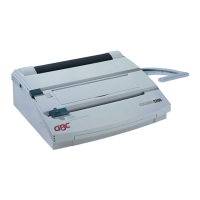
GBC DocuBind P400
4 pages
Print Icon
To Next Page IconTo Next Page
Loading...
SYSTEM
B
N D
N G
Operating
Instructions
Question and Answer IconNeed help?

Do you have a question about the GBC DocuBind P400 and is the answer not in the manual?

Summary

Getting Started

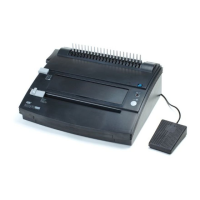
Connecting Power and Pedal

Connect the power cord and foot pedal to the machine.

Determine Sheet Width

Set the edge guide for paper size, including oversized covers.

Determine Plastic Comb Size

Use the Binder Sizer to select the correct comb size.

Punching Paper

Align and insert paper into the punch throat for binding.

Binding Process

Load document onto the binding comb and close the element.

Empty Chip Drawer

Instructions for emptying the chip drawer after use.

Specifications

Safety Messages

Important Safeguards

General and electrical safety precautions for operation and setup.

Service and Cleaning

Guidelines for maintenance, repair, and cleaning.

Summary

Getting Started

Connecting Power and Pedal

Connect the power cord and foot pedal to the machine.

Determine Sheet Width

Set the edge guide for paper size, including oversized covers.

Determine Plastic Comb Size

Use the Binder Sizer to select the correct comb size.

Punching Paper

Align and insert paper into the punch throat for binding.

Binding Process

Load document onto the binding comb and close the element.

Empty Chip Drawer

Instructions for emptying the chip drawer after use.

Specifications

Safety Messages

Important Safeguards

General and electrical safety precautions for operation and setup.

Service and Cleaning

Guidelines for maintenance, repair, and cleaning.

GBC DocuBind P400 Specifications

General IconGeneral
Binding Capacity400 sheets
Binding StyleComb Binding
Punching CapacityUp to 20 sheets
Max Comb Size2 inches
Binding ThicknessUp to 2 inches

Related product manuals