Controlling Your TV
Front Panel
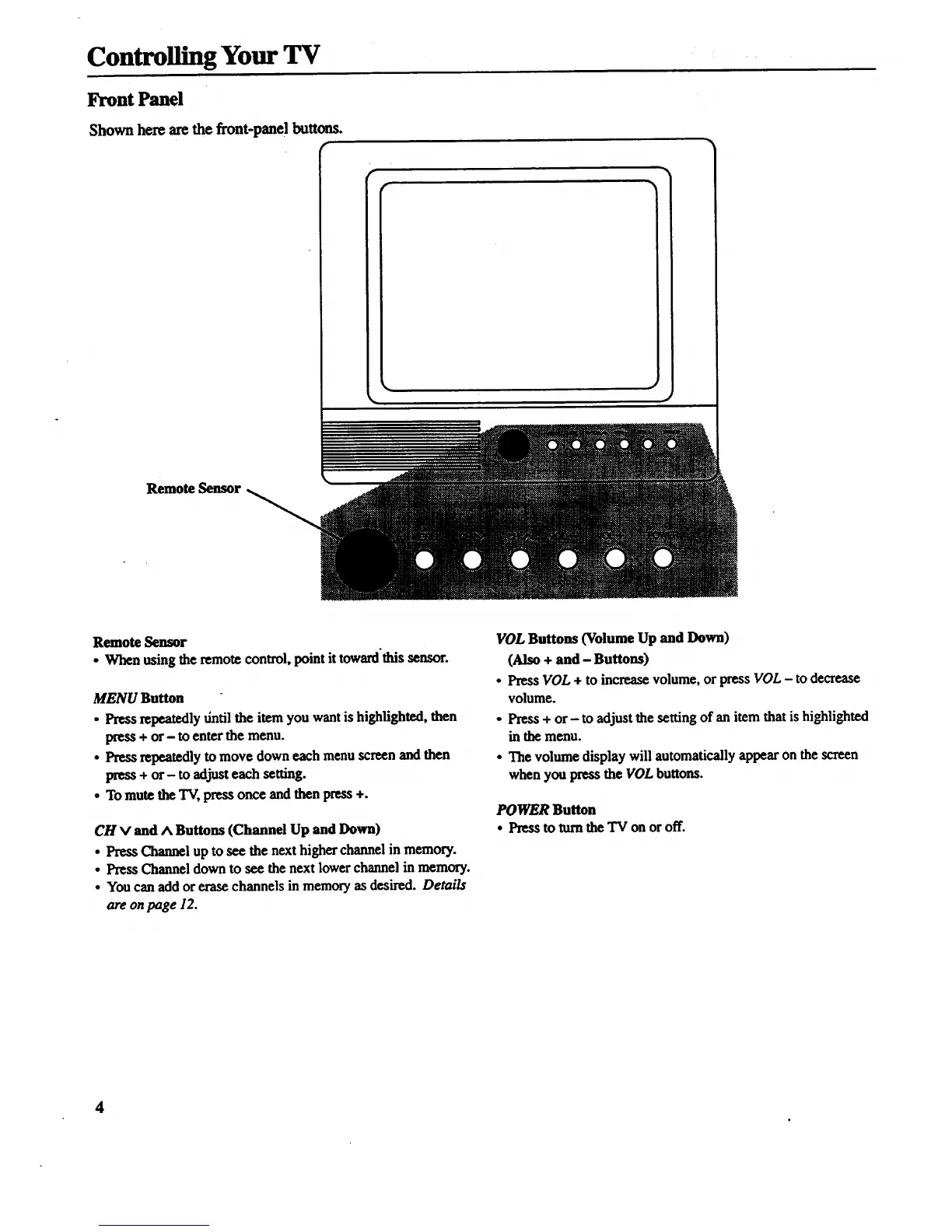
Shown here are the front-panel buttons.
r
Remote Sensor
Remote Sensor
• When using the remote control, point it toward'this sensor.
MENU Button
• Press repeatedly dntil the item you want is highlighted, then
press + or- to enter the menu.
• Press repeatedly to move down each menu screen and then
press + or- to adjust each setting.
• To mute the TV, press once and then press +.
CH V and A Buttons (Channel Up and Down)
• Press Channel up to see the next higher channel in memory.
• Press Channel down to see the next lower channel in memory.
• You can add or erase channels in memory as desired. Details
are on page 12.
VOL Buttons (Volume Up and Down)
(Also + and - Buttons)
• Press VOL + to increase volume, or press VOL - to decrease
volume.
• Press + or- to adjust the setting of an item that is highlighted
in the menu.
• The volume display will automatically appear on the screen
when you press the VOL buttons.
POWER Button
• Pressto rumthe TV onoroff.
4



 To Next Page