TELEPHONE MEMORY OPERATION
Quick Dial Numbers
1.
Pick up HANDSET
2. Wait for Dial Tone,
3. press A or B
or C.
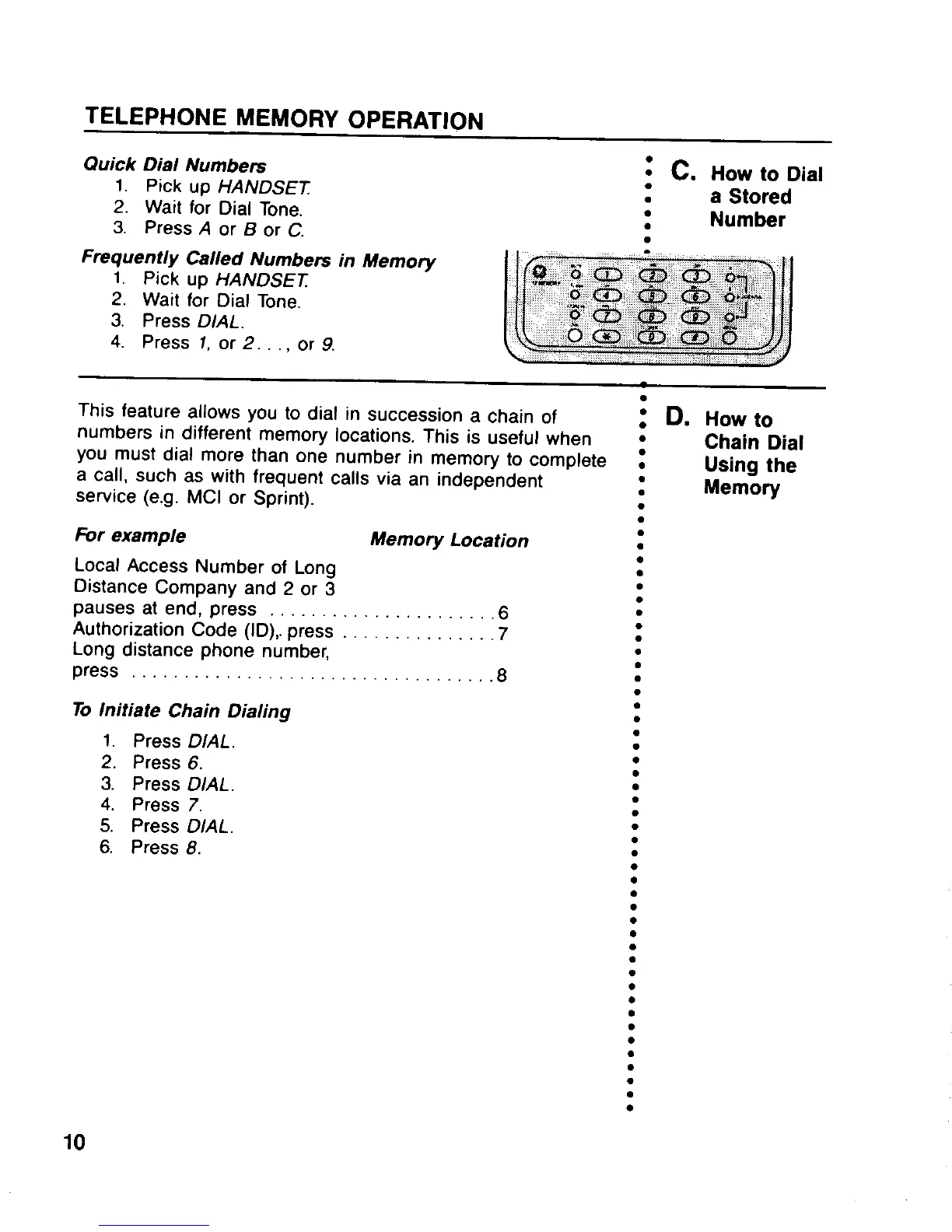
~ C. How to Dial
.
a Stored
●
●
Number
.
This feature allows you to dial in succession a chain of
; D. How to
numbers in different memory locations. This is useful when
●
Chain Dial
you must dial more than one number in memory to complete t
Using the
a call, such as with frequent calls via an independent
.
Memo~
service (e.g. MCI or Sprint).
.
.
&r example
Memory Location
Local Access Number of Long
Distance Company and 2 or 3
pauses atend, press . . . . . . . . . . . . . . . . . . . ...6
Authorization Code (ID),. press . . . . . . . . . . . . ...7
Long distance phone number,
press . . . . . . . . . . . . . . . . . . . . . . . . . . . . . . . . ...8
To Initiate Chain Dialing
1. Press DIAL.
2. Press 6.
3. Press DIAL.
4. Press 7.
5. Press DIAL,
6, Press 8,
10
.
.
●
●
●
✎
✎
●
✎
✎
✎
✎
✎
✎
✎
●
●
✎
●
●
●
●
✎
✎
✎
●
●
●
●
●
●
●
✎
✎
●
●
●
●
●
●
●
●
✎
✎
●
;
>
.,
“
,
/,’
/
/
//
/“
,,,
-,
.



 To Next Page