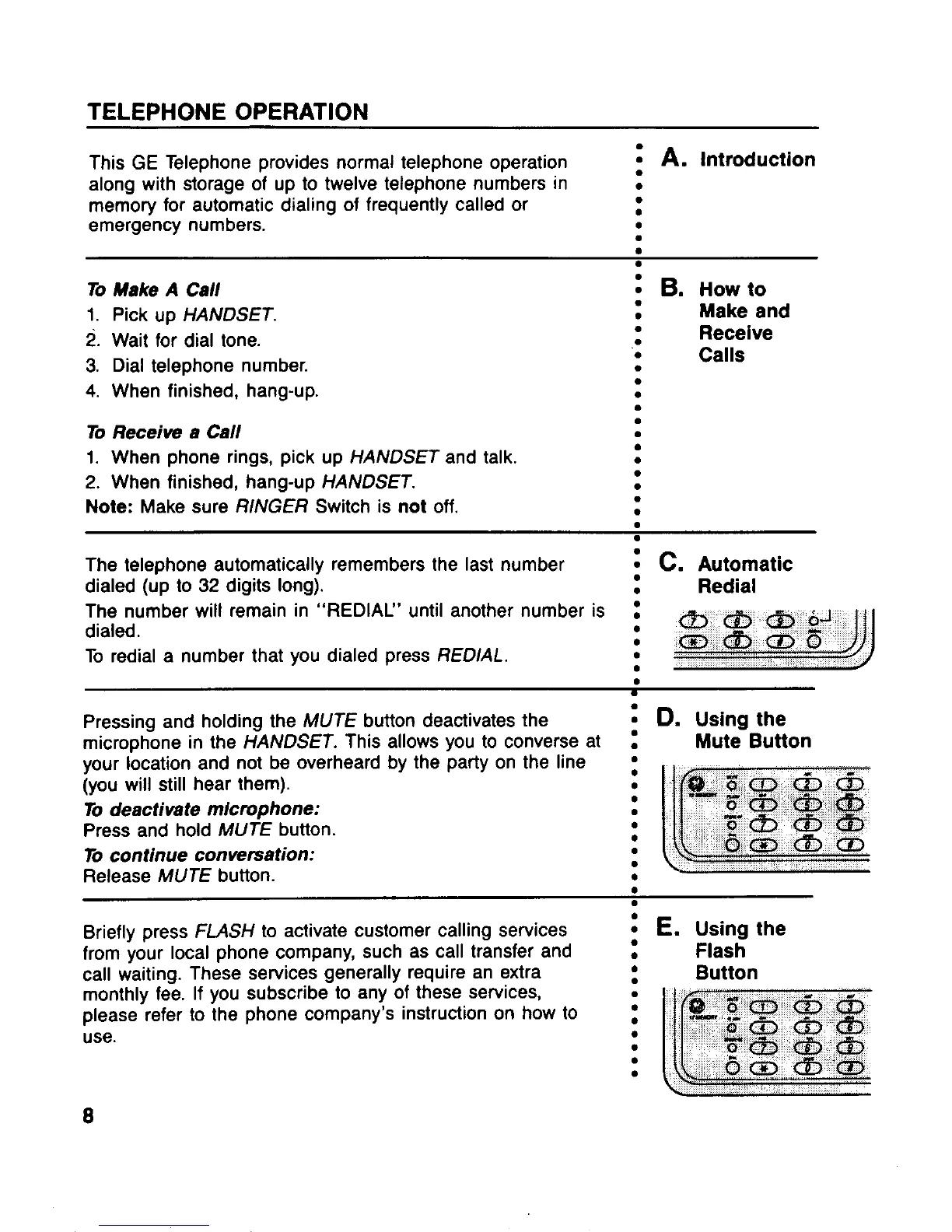
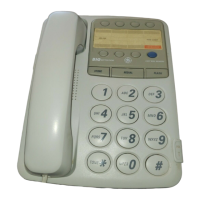
This GE Telephone provides normal telephone operation
~
A. Introduction
along with storage of up to twelve telephone numbers in
●
memory for automatic dialing of frequently called or
●
●
emergency numbers.
●
.
To Make A Call
1. Pick up HANDSET.
2. Wait for dial tone.
3. Dial telephone number.
4. When finished, hang-up.
To Receiw a Call
1. When phone rings, pick up HANDSET and talk.
2. When finished, hang-up HANDSET.
Note: Make sure RINGER Switch is not off.
: B. HOW to
●
Make and
●
Receive
.
●
Calls
●
●
●
.
.
●
●
●
●
●
.
●
The telephone automatically remembers the last number ~ C. Automatic
dialed (up to 32 digits long).
●
Redial
The number will remain in “REDIAU’ until another number is :
dialed.
To redial a number that you dialed press REDIAL.
: g,g,,~$’y
.
Pressing and holding the MUTE button deactivates the
~
D. Using the
microphonein the
HANDSET. This allows you to converse at .
Mute Button
,
>.
/“
/.’ ‘
/
/
/“
,//
your location and not be overheard by the party on the line :
(you will still hear them).
●
[c
@5 w&&. “
To deactivate mlcmphone:
●
.
“-G&@@
Press and hold MUTE button.
●
~aab
●
To continue conmrsation:
.
Umam
Release MUTE button.
.
●
●
.
Briefly press FMSH to activate customer calling services
~
E. Using the
from your local phone company,such as call transfer
and .
Flash
call waiting. These services generally require an extra
●
Button
monthly fee. If you subscribe to any of these services,
●
.
please refer to the phone company’s instruction on how to :
Lc
p_~aa&
use.
●
~ama
●
●
~m’am
●
,o m&”@
8



 To Next Page