INSTALLATION —
DESK OR TABLE TOP
●
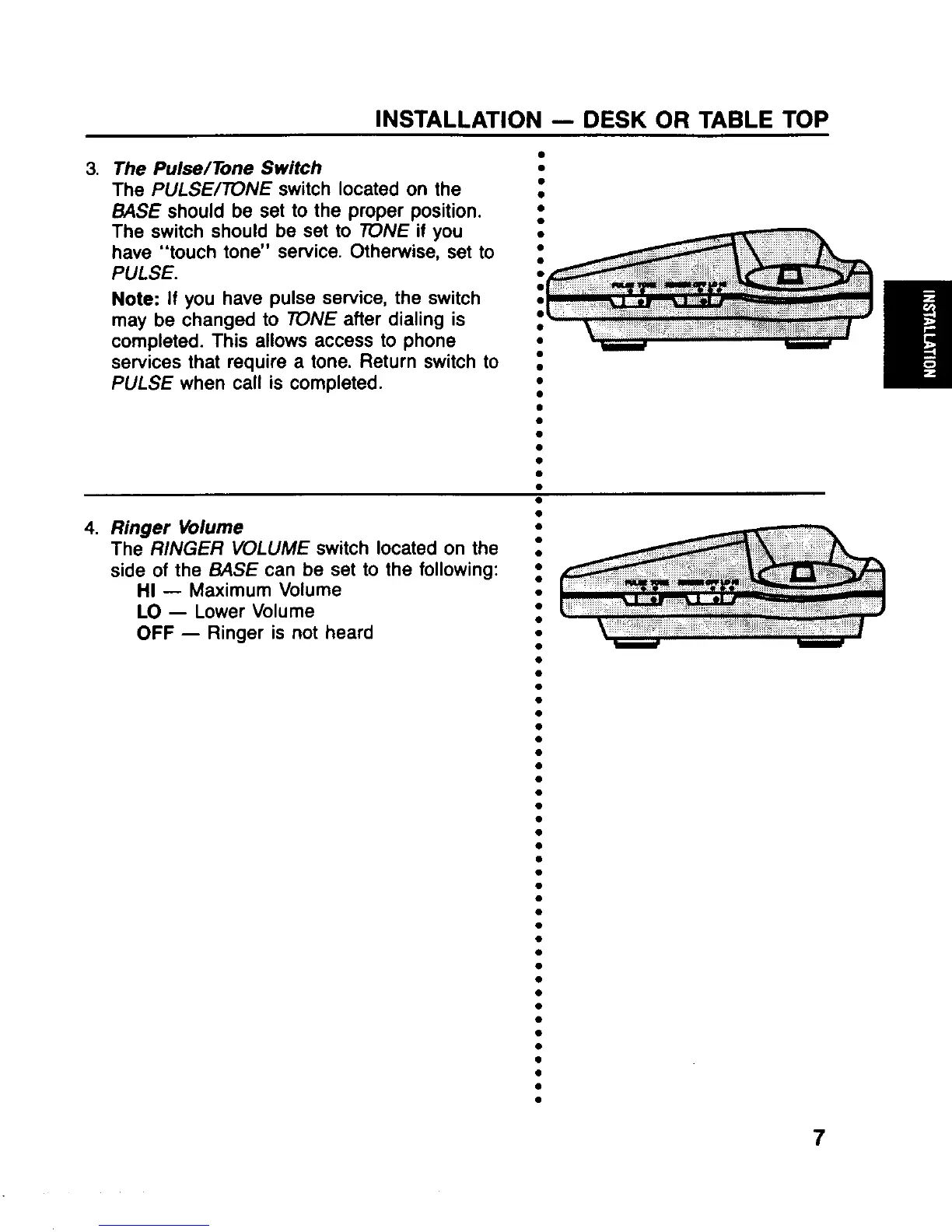
3. The Pulse/Tone Switch
●
The PULSE/~NE switch located on the s
WSE should be set to the proper position.
The switch should be set to ~NE if you
have “touch tone” sewice. Otherwise, set to
PULSE.
Note: If you have pulse service, the switch
may be changed to TONE after dialing is
completed. This allows access to phone
services that require a tone. Return switch to
PULSE when call is completed.
.
/,’ -
/
,/
/“
9
,/,
●
●
●
●
●
●
●
I
Ringer Volume
The RINGER VOLUME switch located on the
side of the WSE can be set to the following:
HI — Maimum Volume
LO — Lower Volume
OFF — Ringer is not heard
●
●
●
●
●
●
●
●
●
✎
●
●
●
●
●
●
●
●
●
●
●
●
●
●
●
●
9
8
●
.
●
●
●
●
●
●
●
●
●
●
●
●
●
●
●
7



 To Next Page