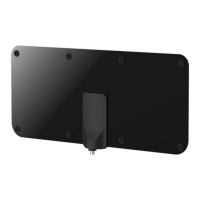
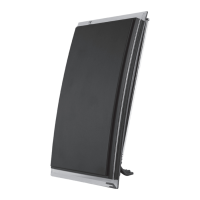
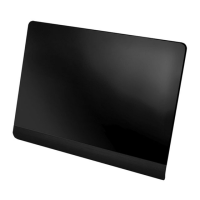
5. Connect one end of coaxial cable to the
output on the antenna (marked “OUTPUT TO
TV”), and the other end to the antenna input
of your set-top box or television.
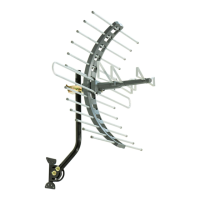
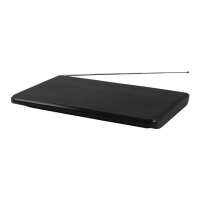
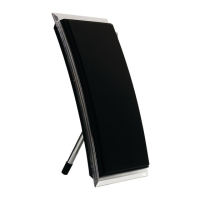
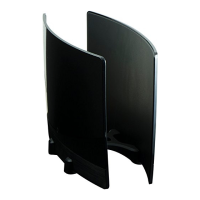
6. Adjust telescoping dipoles for the best VHF
reception. Adjust position of antenna for
best UHF reception.
7. Scan for your local TV channels following
the instructions found in your TV’s manual.
Helpful Tip:
To ensure that you receive the maximum number of
channels you may want to experiment with re-position
the antenna and re-scanning for channels.
8/20/12
is a trademark of the General Electric Company
and is used under license by Jasco Products
Company LLC, 10 E. Memorial Road, Oklahoma
City, OK 73114.
This Jasco product comes with a limited lifetime
warranty. Visit www.jascoproducts.com for details.


 To Next Page