Need help?
Do you have a question about the GE 34137 and is the answer not in the manual?
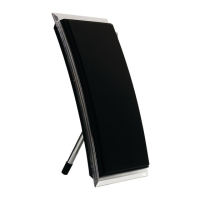
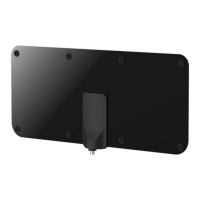
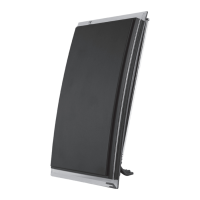
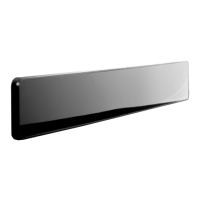
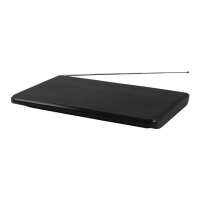
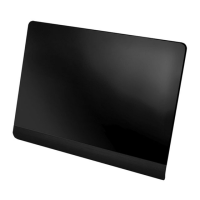
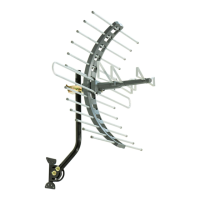
Describes the GE 34137 Ultra Pro Optima HD antenna for receiving digital and analog terrestrial TV signals.
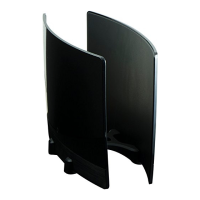
Highlights features like included reflector, VHF/UHF/HDTV compatibility, and wall/table placement options.
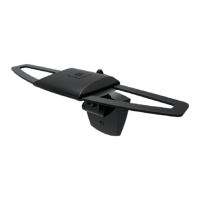
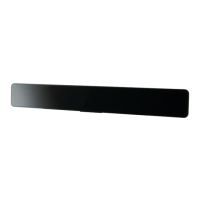
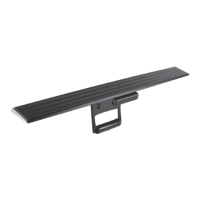
Lists all items included in the package: antenna panel, reflector, stand, screws, and hardware.
Instructions for assembling the antenna panel and reflector panel to the stand using thumb screws.
Guidance on placing the assembled antenna for optimal reception, facing broadcast towers.
Connects the antenna's coaxial cable to the TV for signal transmission.
Crucial step to scan for channels on the TV after connecting the antenna for signal reception.
Tips for finding the best reception by testing multiple locations and rescanning channels.
Recommendations for mounting the antenna high and facing broadcast towers for best performance.
Resources like antennaweb.org and dtv.gov to determine station locations and signal maps.
Contact information for assistance with the antenna, including a phone number.

 To Next Page
 General