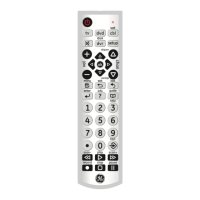
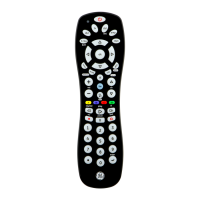
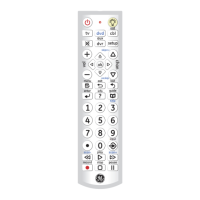
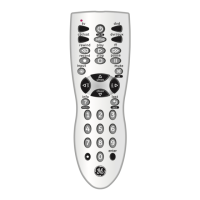
4
Note: The REC button must be pressed TWICE to record from your
device. For some brands of VCRs, you might need to press the REC
button once, then press it again for three seconds.
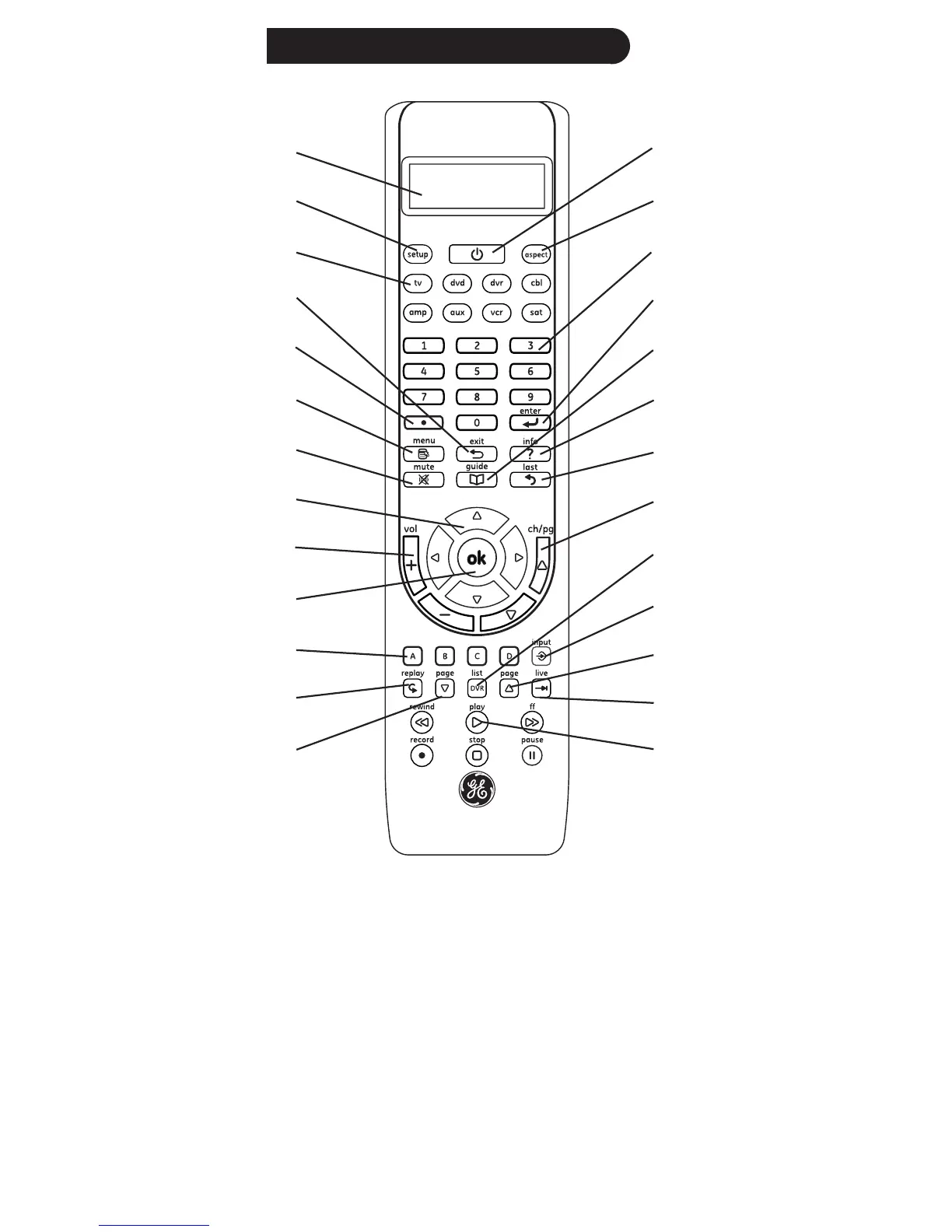
Some buttons on the remote might have functions that are referred
to by different names on the device you are controlling. E.G. LAST may
be called RECALL, or ENTER may be called DISPLAY. These differences
depend on the brand and model of your product. Also, this remote can
only operate features that exist on your product. E.G., your product
must have LAST ability for the LAST button to operate this feature.
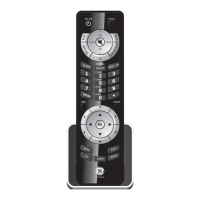
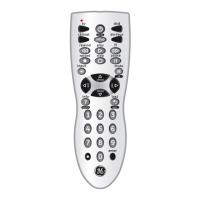
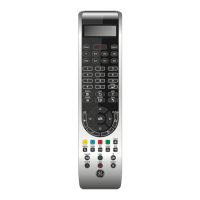
Button Functions
1.
2.
3.
4.
5.
6.
7.
8.
9.
10.
11.
12.
13.
26.
25.
24.
23.
22.
21.
20.
19.
18.
17.
16.
15.
14.


 To Next Page