Need help?
Do you have a question about the GE 24922 - Universal Remote Control and is the answer not in the manual?
Step-by-step guide for installing batteries in the remote.
Important guidelines for handling and mixing batteries to ensure safety and performance.
Explanation of the automatic power-off feature to conserve battery life.
Information on how long programmed codes are retained during battery changes.
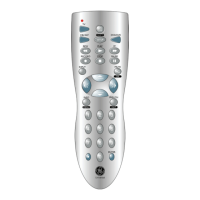
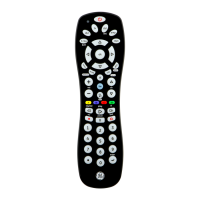
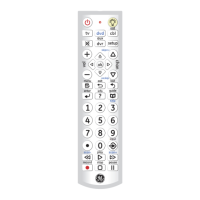
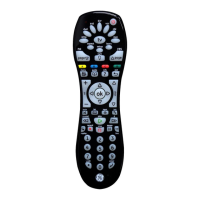
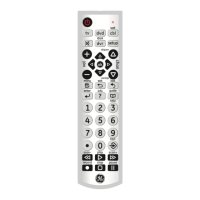
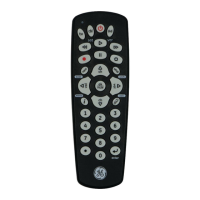
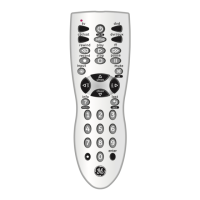
Buttons used to select the device the remote will control (TV, DVR, CBL, DVD, SAT, AUX).
Buttons for navigating menus and adjusting audio volume.
Buttons for changing channels, selecting input sources, and special functions like DOT.
Buttons for media playback (RECORD, PLAY, STOP) and device power (ON+OFF).
Buttons for accessing device menus, system functions, and confirming selections (MENU, OK, EXIT, GUIDE, MUTE, INFO, SETUP, ENTER).
Step-by-step guide for programming the remote using specific device codes.
Important considerations and advice for programming the remote.
Instructions for programming the remote to control devices with multiple functions.
Method to automatically find and program compatible device codes.
Allows a single device to control the volume for all modes.
Step-by-step instructions to activate the Master Volume feature.
Step-by-step instructions to deactivate the Master Volume feature.
Procedure to identify the code currently programmed for a device.
Steps to restore the remote to its original default settings.
Solutions for when the remote does not operate a device or specific features.
Explains the meaning of the red indicator light after programming.
Guidance for situations where combo device codes are not listed.
 General
| Device Type | Universal Remote Control |
|---|---|
| Model Number | 24922 |
| Brand | GE |
| Number of Devices Supported | 4 |
| Battery Type | AAA |
| Number of Batteries | 2 |
| Backlit Keypad | No |
| Programming Method | Direct Code Entry |
| Pre-programmed | Yes |
| Power Source | Battery |
| Color | Black |
| Compatible Devices | TV, DVD |
| Weight | 4.8 ounces |


 To Next Page