3
Operating the Clock
EN
Setting Clock Time
Your digital clock operates on a 12-hour
standard mechanism. A green indicator
will be shown next to AM when the unit
is reading AM time.
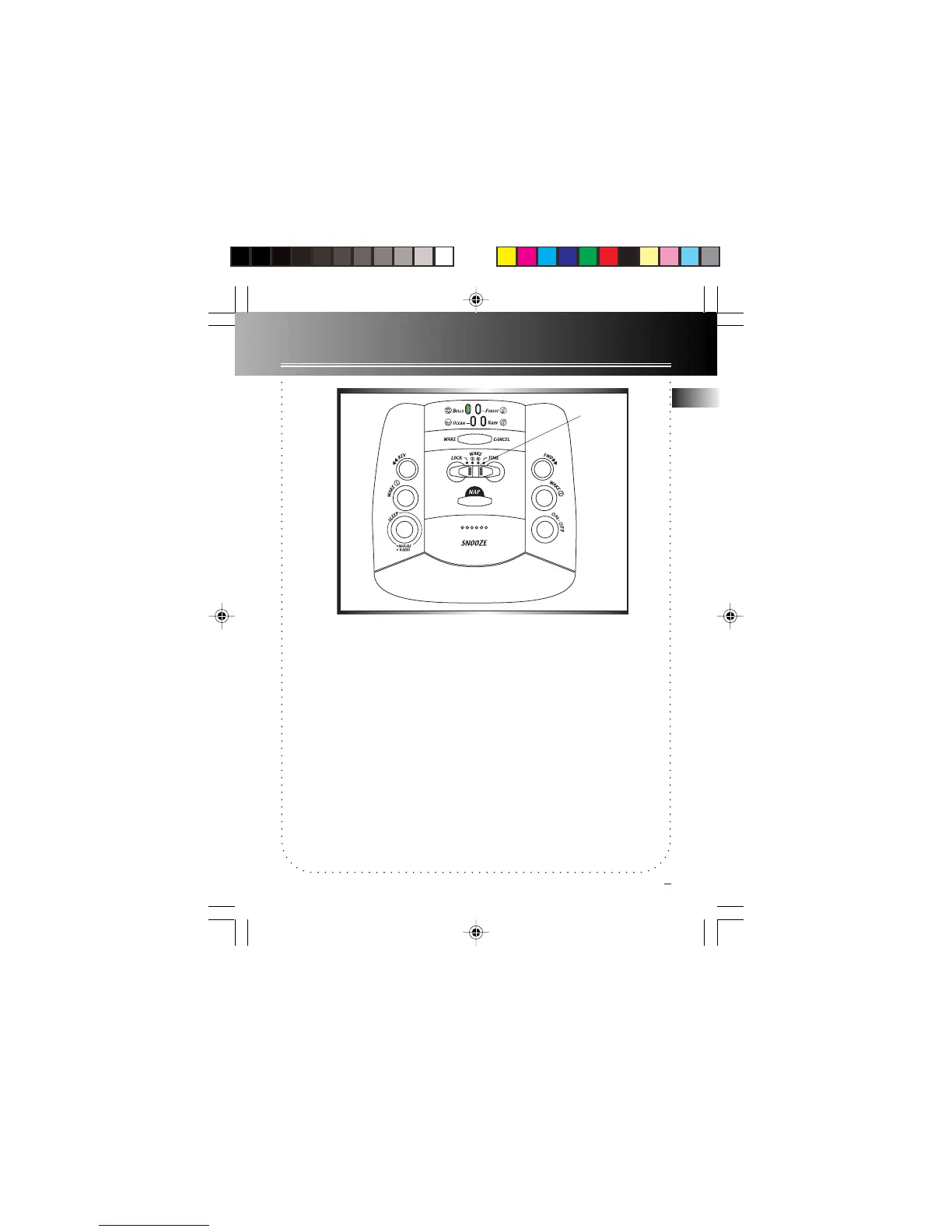
1. Slide the SET switch to TIME.
2. Press REV or FWD button to set the
time, No adjustment can be made when
the SET switch is in LOCK mode
Tip: No icon will be flashing if SET switch
are in
LOCK LOCK
LOCK LOCK
LOCK mode, if you see any icon
flashing on display, check the SET switch.
SET switch
7-4809 EN-US 3/29/02, 3:35 PM4



 To Next Page