5
Operating the Clock
EN
Setting the WAKE Time
1. Slide the SET switch to WAKE 1 or
WAKE 2. (Corresponding indicator will
be flashing.)
2. Press REV or FWD to set the wake time.
3. After WAKE time is set, slide the SET
switch to LOCK position.
Tip: The unit equips with
GRAD-U-WAKEGRAD-U-WAKE
GRAD-U-WAKEGRAD-U-WAKE
GRAD-U-WAKE
feature, the alarm tone and Nature’s sound
volume will increase gradually to its maxi-
mum in about 30 to 45 seconds.
If you set SLEEP function with low vol-
ume level before going to bed, we advise
using ALARM
mode to wake you up since
its volume will automatically increase.
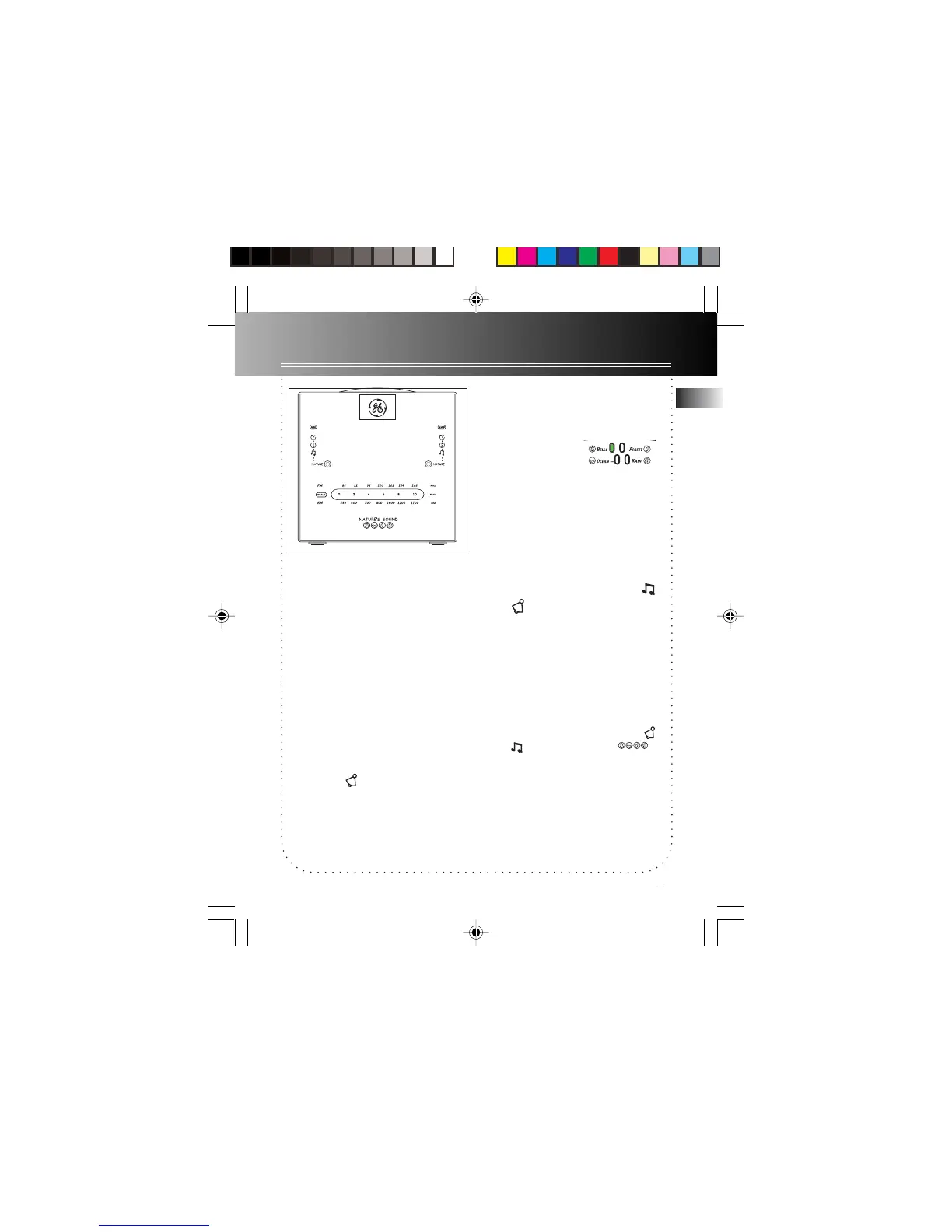
Setting the nature’s sound
The unit is equipped
with nature’s sound
alarm. There are four
kinds of nature’s
sound : Bells, ocean, forest and rain. You
may select your favourite by the slide
swtich located at the back of the unit.
Waking by Selected Source
Programme
You may be woken up by music ,
alarm or nature’s sound.
1. Select an AM or FM station.
2. Set wake time (see above direction).
3. Press the WAKE 1 or WAKE 2 button
to select waking up by music, alarm or
nature’s sound. A green indicator is up
next to the selected setting.
4. Adjust the volume by turning VOLUME.
Note: When you turn off the alarm
,
music or nature’s sound by
pressing
ON/OFFON/OFF
ON/OFFON/OFF
ON/OFF, they will turn on at the
same time tomorrow.
7-4809 EN-US 3/29/02, 3:35 PM6



 To Next Page