4
Operating the Clock
EN
This unit has a built-in automatic
time set system, basically you do not
have to set the clock manually. How-
ever, in case the memory holding bat-
teries are accidentally removed, you
may reset the clock as follow:
Setting date:
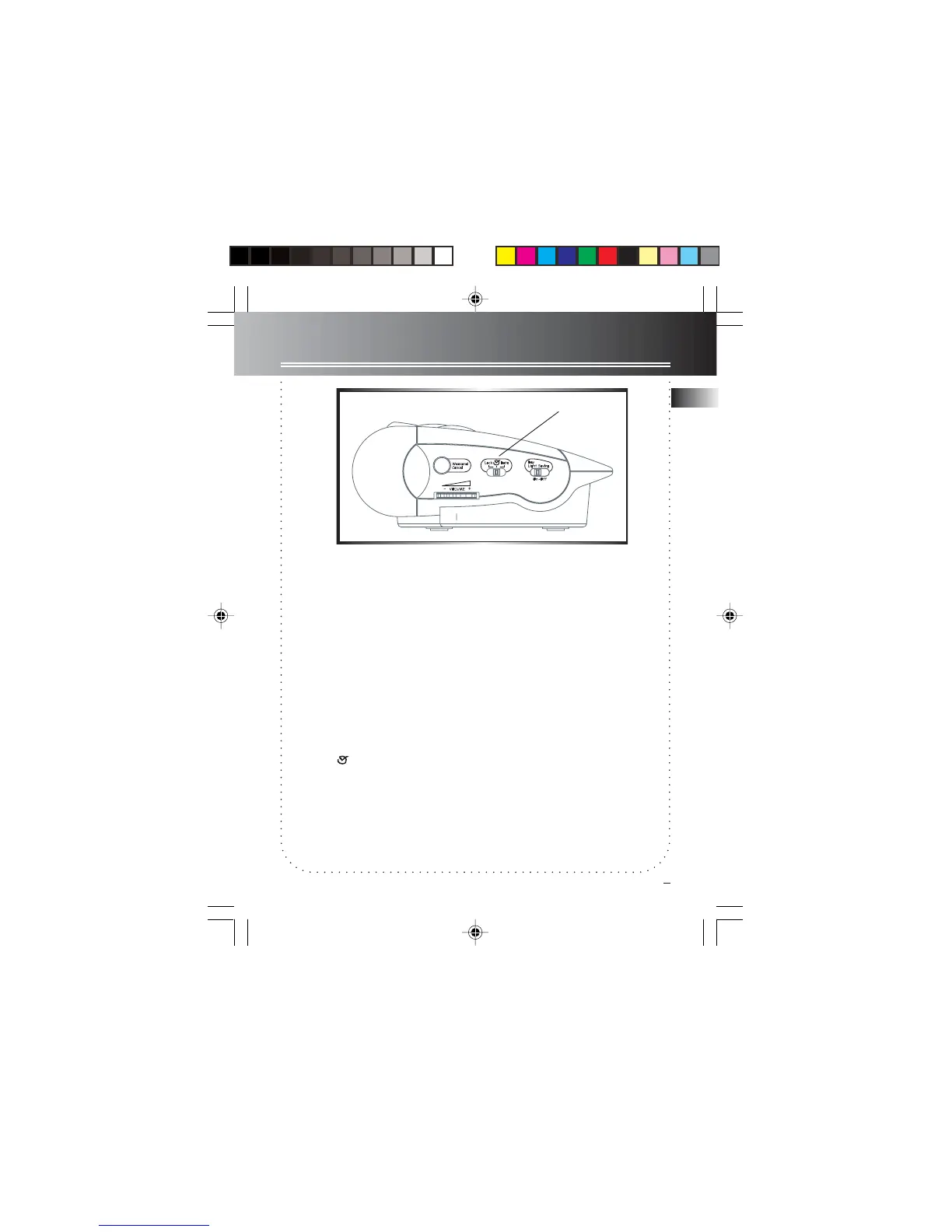
1. Slide the Time/Date selector switch to
DATE.
2. Press REV or FWD to set the date, No
adjustment can be made when the
Time/Date selector is in LOCK mode
Setting time:
1. Slide the Time/Date selector switch to
CLOCK .
2. Press REV or FWD to set the time, No
adjustment can be made when the
Time/Date selector is in LOCK mode
Time/Date selector
Tip: No icon will be flashing if all selec-
tors are in
LOCK LOCK
LOCK LOCK
LOCK mode, if you see any icon
flashing on display, check the Time/Date
selector or the SET switch.
7-4894 EN-US 1/6/03, 8:33 AM4



 To Next Page